

Quick answer
If you want a live streaming website that works in a browser and still feels live at 300 viewers, make three calls first: choose the delivery path, set the latency target, and decide who can moderate chat in real time. Those choices determine whether your site feels immediate, merely delayed, or impossible to run when the room gets busy. Build the smallest live loop first, not the biggest feature list.
For neutral context, this guide cross-checks the topic against creator economy, so the recommendation is grounded in external market signals rather than only product claims.
What this page helps you decide
Most pages about live streaming focus on features. That is the wrong starting point for a browser-based site. The first real decision is whether your product needs a broadcast page, an interactive room, or a paid live session with controlled access. Each of those modes changes the stack, the playback path, the moderation setup, and how much delay users will accept.
That is why this guide stays on implementation choices, not theory. If the stream is mostly one-way, you can optimize for stability. If the room depends on Q&A or paid interaction, latency and moderation move to the center of the build. If the business depends on branded sessions, the access layer matters as much as the player. A site that ignores that split usually ends up reworking the first version inside a few weeks.
The practical question is not “Can we stream video in a browser?” The practical question is “What has to be true so the browser experience still works when live traffic, chat volume, and support load rise at the same time?” That is the decision this page is built to answer.

Why most browser live sites break at the first real audience spike
The feed is usually not the first thing to fail. The failure starts at the handoff between video, chat, and operations. A producer launches the stream, viewers begin posting, and the moderator is still checking a separate screen when the first spam wave lands. Technically, the stream is live. Operationally, the room is already slipping.
That gap matters because the browser is the product surface. If viewers see buffering, stale chat, or delayed moderation, they do not separate those problems into neat technical categories. They see one thing: a room that does not feel live. That is how a site loses trust even when the encoder never drops a frame.
Teams also underestimate the manual work around live sessions. In smaller launches, a single operator can keep up with playback and chat. Once the room grows, the same operator may spend most of the event switching tabs, confirming access, clearing spam, and answering the same support question again. The cost is not only time; it is attention. When the team is busy chasing the room, they stop noticing the pattern in what is breaking.
According to the W3C Media Source Extensions spec. Browser playback is a managed delivery problem, not a “just play the file” problem. That matters because browser delivery has to handle buffering, codec support, and device differences inside one page, not in a closed app environment.
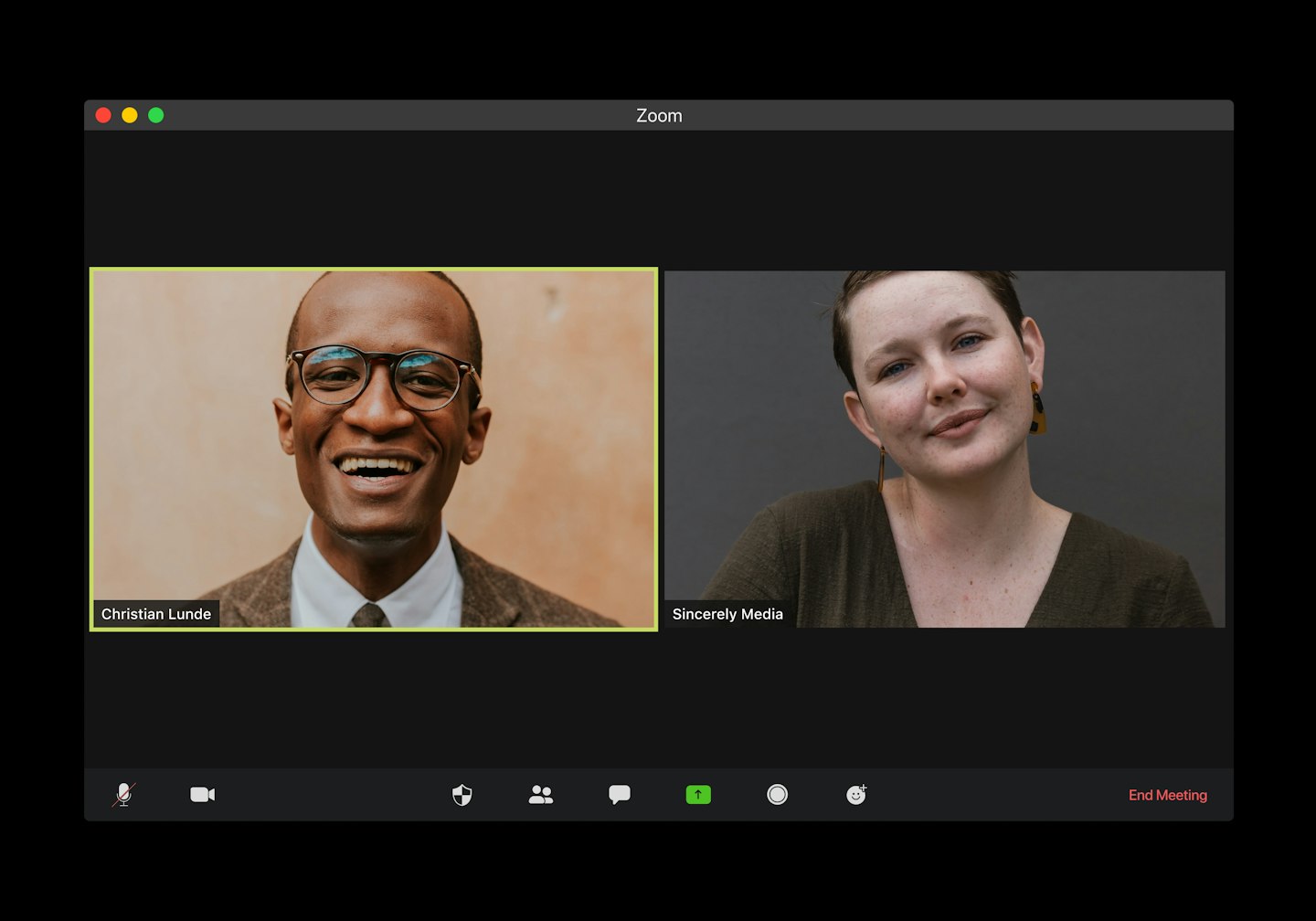
Composite scenario: three live website types that need different stacks
A creator-led community site is driven by pace. One host, one stream, and a chat box can become chaotic fast because the room moves quicker than the host can read. If moderation takes too long, viewers start talking to one another instead of to the host. At that point the stream still plays, but the live experience has turned into noise.
A webinar site has a different pressure point. Here the event team cares about registration, replay, structured Q&A, and predictable playback. A 20-second delay may still be acceptable if the room stays stable, but a chat queue that is hard to manage will slow the event down more than the video delay itself. That is why webinar pages often need less “social” complexity and more control.
A paid coaching or private session site is the strictest test. Access control, payment, and the live room have to behave like one system. If a viewer pays but cannot enter, or enters when the session should be private, the product fails even if the stream looks perfect. Teams that use a platform-first route such as Scrile Stream usually do it because the video path and the monetization path need to stay in the same workflow, not drift apart across separate services.
That distinction is the real point: site type changes architecture. A good-looking player is not the architecture. A chat widget is not moderation. A paywall is not access control unless the session rules are enforced end to end.

The architecture decisions you must make first
Before you add branding, profiles, or discovery features, decide where risk should sit. In a live browser product, each layer can fail in a different way. The ingest layer can mis-handle bitrate. The playback layer can buffer or drift. Chat can move faster than the moderation queue. Access control can let the wrong user in or block the right one out. If you do not name those risks early, you will end up rebuilding around them later.
Browser delivery and playback path
For browser delivery, the path matters more than the logo on the player. Broad-reach live sites usually need adaptive HTTP-based playback because it handles mixed devices and changing network quality better than a brittle custom setup. More interactive products may need a lower-latency path, but that choice changes the cost and the operational burden. The right answer depends on whether stability or immediacy matters more to the room.
The browser also forces practical constraints that app-first teams often forget. Codecs must work across devices. Buffering behavior has to be predictable. Playback should recover cleanly after a short network hit instead of freezing until a manual refresh. Modern browser APIs help, but they do not remove the need to choose a delivery model that fits the audience. If viewers join on older laptops and mobile browsers, the player has to survive the weakest device in the room.
In a small launch, a bad delivery choice shows up as “it works on my machine.” At scale, it shows up as support tickets, uneven watch time, and event drop-off. That is why the browser delivery path should be chosen before the page design gets locked in. Design around the delivery model, not the other way around.
Latency target and interaction model
Latency is not a vanity metric. It decides whether a chat reply feels immediate, whether the host can answer a question in the moment, and whether a moderator can react before a problem spreads. A 10-30 second delay may be fine for a one-way announcement stream. The same delay can make a Q&A room feel out of sync.
Lower latency is not free. It can raise hosting demands, narrow codec choices, and make the encoder and player setup less forgiving. Even so, the tradeoff is often worth it when the live room is the product. A coaching session, a paid community stream, or a product launch with real-time questions should feel like conversation, not a delayed replay with comments attached.
That is the point where generic advice fails. “Low latency is better” is not useful by itself. The real question is whether the room needs fast turn-taking. If yes, low latency becomes a design requirement. If not, stability wins and the build can be simpler. This is the sort of decision that saves rework before the first audience spike, not after it.
Chat and moderation as one workflow
Chat is not a widget. It is an operating surface. The moderator dashboard, the chat queue, and the access rules have to belong to one flow or the team ends up reconstructing context from three places at once. When that happens, every action slows down: mute, ban, pause, approve, escalate, repeat.
The risk is bigger than spam. A slow moderation workflow makes the room feel unmanaged, and unmanaged rooms do not convert well. If the host sees toxic or off-topic messages stay visible for too long, the host starts ignoring chat. Once that happens, the live experience loses its main loop.
Design moderation as a role system, not as a side feature. Decide who can remove messages, who can silence a user, who can approve a payment issue, and who can pause access. Keep those permissions explicit and test them before the first real event. A team that handles this properly can run more sessions without adding a person for every new cluster of viewers.
| Layer | Owns | Failure mode | Mitigation |
|---|---|---|---|
| Publisher / ingest | Host, producer, encoder | Wrong bitrate or codec mismatch | Lock presets before the event and test on the slowest target device |
| Playback path | Front-end player and delivery layer | Buffering, drift, frozen video | Choose the delivery mode around latency target and audience size |
| Chat | Moderator and community ops | Spam floods the room | Assign mute, ban, and filter permissions before launch |
| Access control | Auth, payment, and entitlement service | Unauthorized entry or broken paywall | Keep access checks server-side and verify them on every session start |
| Analytics | Ops and product team | No visibility into drop-off | Track join time, watch time, chat volume, and moderation actions |
That table is the practical filter. If your team cannot name who owns a layer, it will become a support problem later. If you can name it now, the live site gets easier to run instead of more fragile as it grows.
Build vs platform: when each route fits
A custom build makes sense when the live site itself is the product. If you need special room rules, custom payment flows, unusual moderation logic, or a branded experience that cannot be assembled cleanly from separate services, custom work gives you control. The tradeoff is time: more moving parts, more QA, and more ways for the first release to miss the mark.
A platform-first route fits when the team wants a working live website before it wants a perfect architecture. This is where a product such as Scrile Stream can be useful: video, chat, and access can launch together instead of being stitched together from separate vendors. That reduces the number of decisions the team has to debug at once, which is often the bigger risk in the first 90 days.
Use control as the selection criterion. If you need full control over session logic and the team can support stream ops internally, custom can pay off. If the bigger need is speed to launch, fewer integrations, and a clean branded shell, platform-first usually wins. What fails most often is not the technology itself; it is picking a route that does not match the team’s ability to run live operations.
If you are still comparing implementation paths, the sister guide on video streaming app development company explains what to ask before you hire. For budget context, the article on How much does it cost to start a streaming service helps set a ceiling before scope creeps into unrelated features.
How the site should change from MVP to growth
MVP architecture and growth architecture are not the same thing. An MVP proves that people can enter, watch, and interact. Growth architecture proves that those actions still work when chat volume, traffic bursts, and support requests all rise together. The mistake is to build the second version first and then wonder why the launch takes months.
The overbuild pattern is easy to spot. Teams add profiles, recommendations, multi-room logic, advanced analytics, and premium tiers before they have proven one repeatable live session. That usually delays launch by weeks and makes debugging harder because the team cannot tell which feature is causing which failure. The first release should make the live loop visible, not bury it inside extra polish.
What to launch with
Launch with the minimum that proves the room can work in production. You need a browser player, a publisher path, basic chat, access control, and moderation that is strong enough to keep the room usable. Add registration only when identity matters. If the room can work with a short entry path, keep it short.
Keep the first version simple on purpose. One stream type. One moderation flow. One access rule. That limits failure points and makes it easier to see where the real pressure lives. In practice, this is where a white-label or platform-first setup can help because it lets the team validate the live loop before custom work grows around it.
For a browser-first site, this discipline matters because every extra feature competes with playback stability. A site that tries to launch with full social features, rich profiles, and advanced personalization usually learns too late that the room itself is the product. If the room is hard to operate, the extra features do not save it.
What to postpone
Postpone anything that does not change the live session itself. Multi-language UI, recommendation feeds, elaborate profile pages, and broad admin analytics can wait until the first audience pattern is proven. The same is true for heavy onboarding flows and complex upsell logic if the room still needs stability work.
That choice saves more than build time. It also saves support time. Every setting you add becomes one more place where the host can break the room in week one. A minimal but reliable live loop is easier to test, easier to explain, and easier to improve after the first event.
The healthy state is simple to describe: the stream starts on time, chat stays manageable, access works, and the host can actually focus on the audience. That is the standard before growth features matter. If the base room is stable, the second release has a real foundation instead of a pile of assumptions.
Common browser-specific mistakes that cost the most
Browser live delivery fails in predictable ways. The failures are usually not dramatic at first. They start as a slight delay, a missed alert, a frozen player on one device, or a support inbox that quietly fills with the same complaint. By the time the team notices the pattern, the event history is already distorted.
Treating playback like a static video page
A static video page can buffer, recover, and keep going. A live page cannot be treated that casually. If the player is built like a normal embed with no recovery logic, the team misses the need for latency control, device checks, and graceful error handling. That is when the site starts breaking in the exact room where viewers expect immediacy.
The cost is concrete. A few percent of viewers dropping during unstable segments is enough to distort event analytics and live revenue. If the team cannot see the difference between a playback issue and a live-room issue, it will fix the wrong thing first. That is how low-value debugging work spreads.
Letting moderation trail behind chat
When the stream is already live, moderation cannot be improvised. If the tools are buried or the permissions are unclear, the chat gets faster than the team can read it and the host starts compensating by ignoring the room. At that point the live site still functions, but the interaction model is already damaged.
This is a trust problem, not just a UI problem. Viewers notice when the room feels unmanaged. They also notice when support has to step in after every live session to clean up preventable issues. If the moderation process is weak, the site will spend more time reacting than hosting.
Designing for peak traffic only
A site designed only for the biggest event often underperforms on ordinary days. Growth comes from repeat sessions, and repeat sessions depend on a flow the team can run without burnout. If the system only works when everyone is leaning over the dashboard, it is not a scalable live product.
The better target is a stable operating rhythm. The team should be able to run the room twice a week without confusion and without rebuilding the same checklist each time. That is what makes a browser live site usable over time instead of merely impressive on launch day.
If you are still at the pre-build stage, the article on how to create a live tv streaming website is useful when you need broadcast-style delivery, while how to create a live streaming website free shows where the free path runs out of room. For teams moving from web-first to mobile, live streaming android app development is the right follow-up only after the browser strategy is fixed.
Scenario fit: which live website type this architecture suits
One architecture does not fit every live website. The right pattern depends on whether the room is public, paid, private, or event-driven. Matching the product shape to the live model saves rework and keeps the stack honest. A site that is built for the wrong use case will keep asking the team to patch around the mismatch.
Creator and community live sites
These sites need a strong chat loop and fast moderator actions. The host is the product. If interaction is the point, low-latency delivery and visible moderation matter more than a large content library. When chat becomes the main draw, the live room has to feel immediate or the conversation moves somewhere else.
Product-event and demo sites
Product launches and live demos can tolerate slightly more delay, but they need smooth registration, reliable playback, and clean analytics. A good event site shows who joined, when the room dropped, and which questions kept attention. If the sign-up flow is slow, the event feels smaller than it is.
Webinar-style live sites
Webinars usually need registration, replay, and structured Q&A. They break when the live page has no control over who can ask questions, who can moderate, and when the replay appears. In this model, the room needs pacing more than ultra-low delay.
That is why webinars usually work better with a controlled front end and fewer public-facing features. A “more features” approach does not help if the session itself becomes hard to steer. The audience remembers whether the host could manage the room, not whether the page had extra tabs.
Paid private coaching sites
Paid private sessions need access control plus payment-linked delivery. The live room must open for the right person at the right time and close when the session ends. If billing, entitlement, and playback drift out of sync, support becomes the hidden moderator for every session.
That is the case where a platform approach often saves time. Scrile Stream fits products that need video, chat, and monetized access to behave like one system instead of three loosely connected ones. For this scenario, a few seconds of extra delay may be acceptable; broken access is not.
| Scenario | Best fit | Break point | Why |
|---|---|---|---|
| Creator / community live site | Low-latency browser delivery with strong chat moderation | When moderation lags behind chat volume | Interaction is the product, so the room must feel immediate |
| Product-event / demo site | Stable playback with moderate delay tolerance | When playback stutters during sign-up spikes | Audience trust comes from reliability and clean entry flow |
| Webinar-style live site | Controlled access with replay and structured Q&A | When questions arrive after the topic has moved on | The event needs pacing more than ultra-low delay |
| Paid private coaching site | Access control plus payment-linked live sessions | When entitlements and stream access diverge | Billing, privacy, and live interaction have to stay in sync |
The cleanest live websites are the ones that choose the right scenario early. Once the scenario is clear, the architecture can support it instead of fighting it. That is what makes the product easier to run and easier to improve.
What a healthy launch looks like before you scale
A healthy launch is not the biggest possible launch. It is the smallest live loop the team can run without confusion. The room opens on time. The player stays stable. Chat is visible. Moderation works. Access checks are correct. Support is quiet enough that the team can see the pattern instead of the noise. That is the point where growth becomes a planning problem rather than a rescue job.
At that stage, the next feature should answer a real operating gap. If the problem is moderation, add controls. If the problem is entry friction, simplify access. If the problem is latency, adjust the delivery mode. The feature roadmap should follow the room, not a generic streaming checklist.
If you need a next step for scoping or vendor review, use the articles above as the decision path: architecture first, budget second, mobile later. That order keeps the project from turning into a feature dump before the browser product is stable enough to matter.
Where Scrile Stream fits this picture
For browser-based live sites that need video, chat, and monetized access to behave like one system, Scrile Stream fits the problem this article has been describing: reduce the number of places where the live session can drift out of sync. That matters most when the site depends on private or group interaction, paid access, or a branded experience that has to launch without a long custom build.
The strongest fit is the narrower set of products where low-latency delivery, direct payment handling, and moderation control all sit in the same workflow. Teams in coaching, creator communities, paid consultations, and other live-interaction businesses usually feel the difference within the first few weeks because they are not stitching together playback, chat, and monetization from separate vendors.
Ready to build the setup behind this?
If this is the operating problem you need to solve, use the product page as the next step. It shows where build your setup fits and what the platform covers beyond a single payment widget.
Frequently asked questions
When does a browser live site not need low-latency delivery?
When the stream is mostly one-way, delay is less important than stability. A passive announcement page or a replay-first event can tolerate more delay if playback stays reliable.
What breaks first if chat grows faster than moderation?
The room loses order before the video fails. Spam, unanswered questions, and delayed bans make the host look slow, which reduces trust even when the stream itself is fine.
How do I know I built too much before launch?
If the team cannot run the live loop twice in one week without confusion, the scope is too large. Multi-room flows, complex profiles, and heavy analytics usually belong after the first stable sessions.
What happens if access control and payments are handled in different systems?
You get entitlement drift. Users may pay but fail to enter, or enter when they should not, and support spends time fixing session-by-session exceptions.
When should a team switch from platform-first to custom build?
Switch when the product rules stop fitting the platform and the team can prove the live loop already works. At that point, custom work should remove friction, not replace uncertainty.
What if the site is meant for both webinars and paid live interaction?
Treat them as different operating modes, not one blended feature set. Webinars need controlled pacing and structured Q&A; paid interaction needs access control, quick moderation, and payment-linked session rules.