
Quick answer
A practical camming equipment checklist starts with a suitable computer, camera, clear microphone, stable wired internet, soft lighting, secure mounts, headphones, accessible controls, surge-protected power, and a basic backup path. Buy launch essentials first, add upgrades only when a measured production problem justifies them, and postpone specialist gear until the show format proves it needs them. Reliability and simple operation usually matter more than impressive specifications.
Camming equipment checklist: decide by show format
Choose equipment according to how the creator performs, moves, hears viewers, and recovers from failure. A seated conversation show, a standing performance, and a paid private consultation place different demands on audio pickup, mounting, controls, and monitoring.
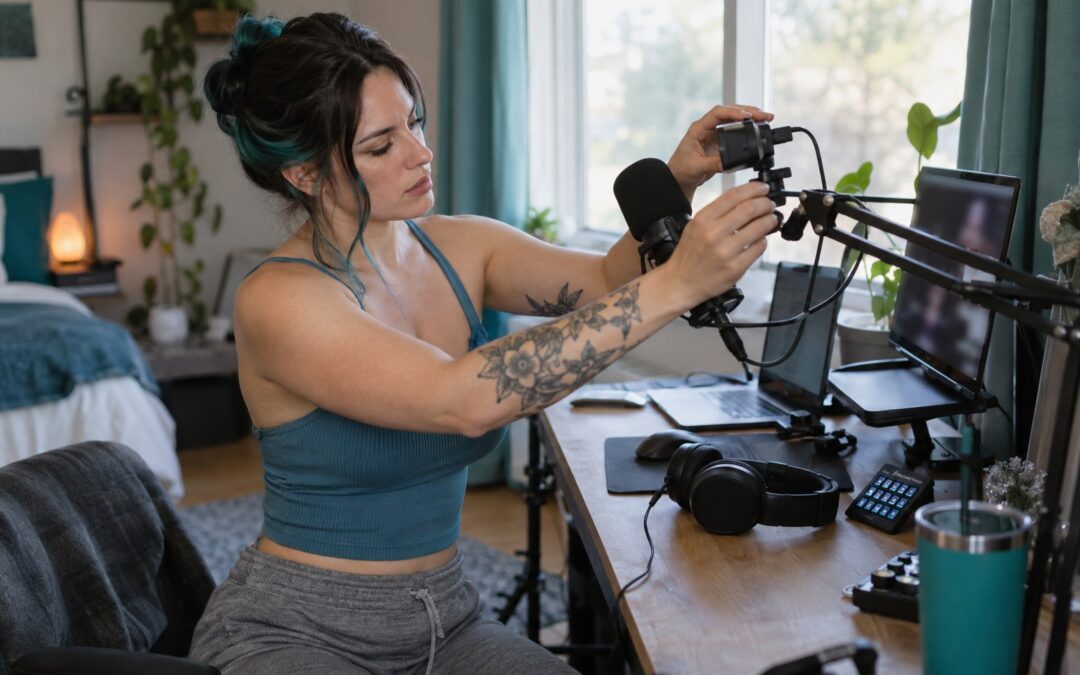
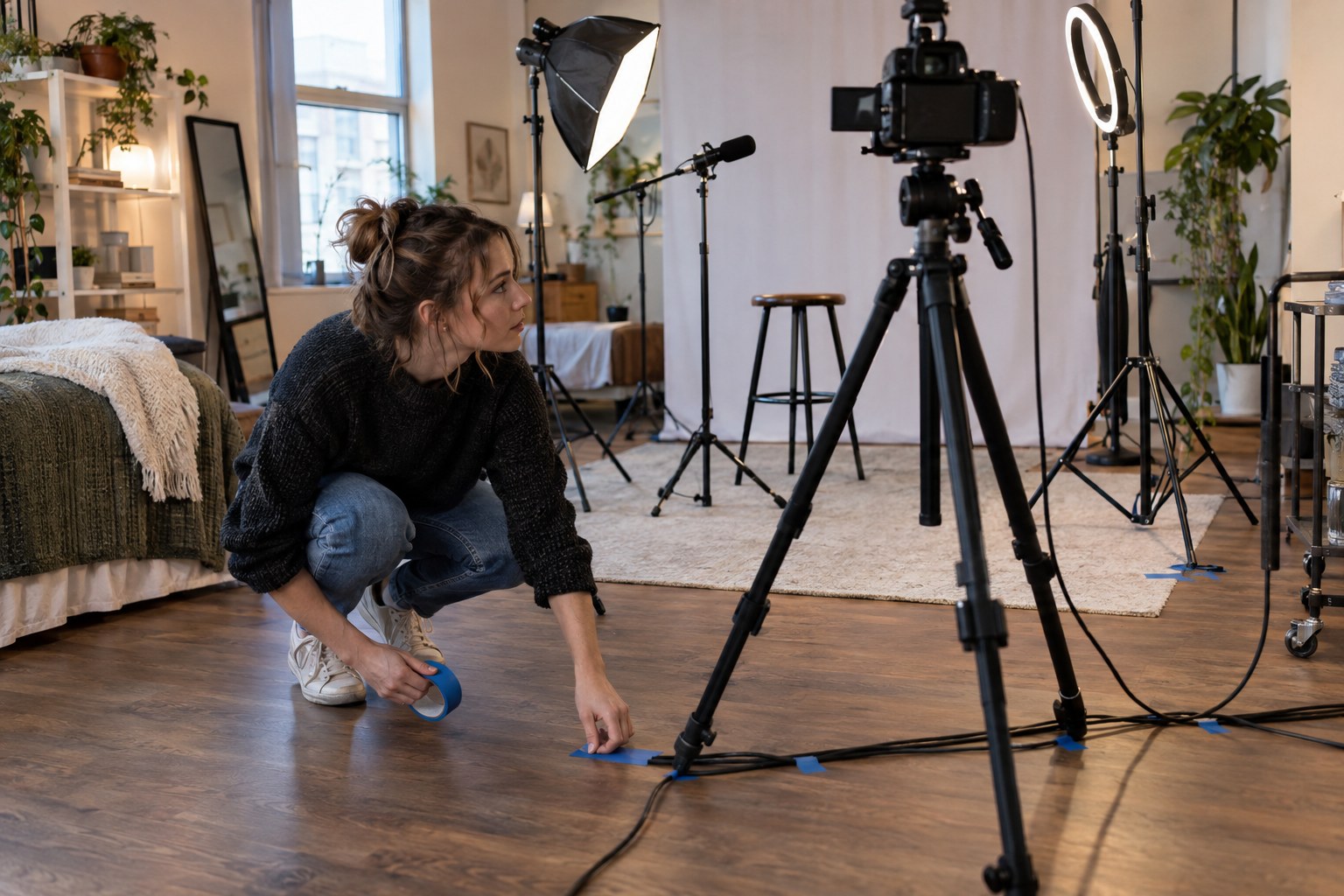
Begin with the operating scene rather than a shopping basket. Mark where the creator sits or moves, where hands must remain free, what must be heard, and which actions happen during a paid interaction. Then identify the failure that would stop revenue: lost connectivity, unusable sound, a loose mount, exhausted power, or controls that require leaving the frame. Camera choice matters, but the best camera for camming still performs poorly when its mount drifts or the operator cannot change scenes without breaking the conversation. The same reasoning applies to agencies specifying repeatable creator kits: standardize the dependable core, then allow format-specific modules.
- Seated talk or consultation: prioritize close microphone placement, discreet headphones, eye-level mounting, and quiet controls.
- Movement-led show: prioritize wider microphone coverage, locked stands, protected cables, and controls reachable from the performance area.
- Multi-person stream: prioritize separate monitoring, deliberate audio pickup, adequate connection paths, and a clear host control position.
- Travel or temporary setup: prioritize compact mounts, labeled cables, portable lighting, protected storage, and a tested fallback device.
What belongs in each purchase tier?
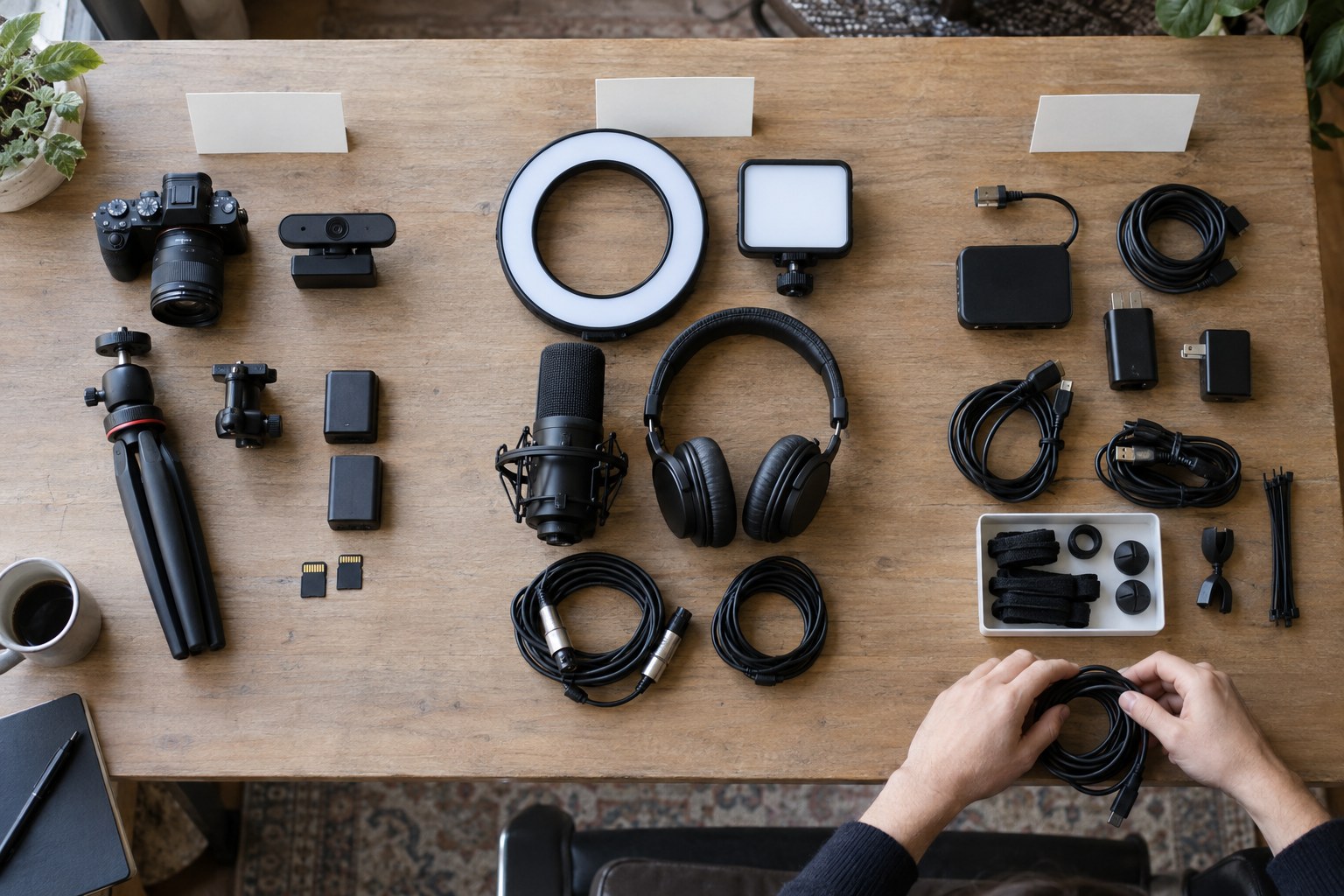
Launch with equipment required to produce, hear, control, and protect the stream. Upgrade only when observation identifies a recurring constraint. Buy specialist items only after the show format, room, and revenue model establish a real requirement.
| Purchase tier | Include | Decision gate |
|---|---|---|
| Launch essentials | Capable computer, primary camera, microphone, soft light, secure mounts, wired network connection, headphones, keyboard or control surface, surge protection, spare cables | The stream cannot run reliably or safely without it. |
| Measured upgrades | Dedicated audio interface, improved microphone, secondary light, stronger mounting, quieter controls, secondary display, cable management | A repeated test or session reveals a specific audio, handling, visibility, or workflow problem. |
| Buy after proof | Secondary camera, wireless audio, battery backup, hardware encoder, elaborate scene controls, duplicate production computer | The established format or cost of interruption justifies added complexity and maintenance. |
Treat the worksheet as a gate, not a ranking of desirable objects. A launch essential closes a direct operating dependency. A measured upgrade removes a documented bottleneck. A proof-stage purchase protects an established workflow or enables a show format that already has demand. This distinction prevents the familiar studio paradox: excellent gear, untidy cables, and no reliable way to mute the microphone. For audio-specific choices, use a cam model microphone setup that accounts for distance, room noise, movement, and monitoring rather than buying from a specification sheet alone.
The worksheet also gives platform founders a defensible creator-onboarding standard. Ship or recommend one validated essential kit, maintain a short compatibility list, and record exceptions by show type. Do not promise that a premium interface or wireless system will improve earnings; it may merely introduce drivers, charging, pairing, and another entertaining way for a session to fail. When a creator requests an upgrade, ask for the observed problem, the conditions that reproduce it, and the acceptance test. If nobody can describe those three things, the purchase belongs in the later column. The immediate next step is to inventory existing gear against the decision gate, not against an influencer’s desk tour.
How do you find the current production bottleneck?
Run a complete private rehearsal and rank each failure by likelihood, disruption, and recovery difficulty. Fix the item with the highest combined operating risk before improving image quality that viewers may never notice.
Suppose a creator already has a capable computer and acceptable camera. During a hypothetical rehearsal, the image remains stable, but chair movement reaches the desk microphone, a loose arm slowly lowers it, and scene changes require searching through software. The calculation is qualitative: failure priority equals likelihood multiplied by disruption multiplied by recovery difficulty. The drifting mount scores above the slightly flat lighting because it recurs, damages audio, and demands an on-camera adjustment. The sensible purchase order is therefore a locked mount or floor stand, an accessible mute or scene control, and only then lighting refinement. This process turns preference into an operating decision without pretending that arbitrary scores are scientific.
- Rehearse the actual public, private, or group format with normal movement and speaking volume.
- Record every interruption, including cable pulls, echo, control hunting, overheating, and power warnings.
- Rank each issue by how often it appears, whether it stops paid interaction, and whether recovery is discreet.
- Change one component or position, then repeat the same scene before keeping the purchase.
- Save the approved physical layout and software configuration as the baseline.
A network problem needs the same discipline. Before buying another camera or computer, run an internet speed for camming check under the conditions in which shows actually occur, then repeat while other household devices are active. Observe connection stability, not merely the most flattering result. A wired path, replacement cable, router placement change, or household scheduling rule may solve the bottleneck without a larger equipment purchase. This method has a limitation: intermittent faults can hide during a short rehearsal. Keep a simple incident log after real sessions, recording the symptom, recovery action, and affected component, then promote recurring faults into the purchase worksheet.
Which support gear prevents avoidable session failures?
Mounting, controls, power, monitoring, and backups protect the paid interaction around the camera. They deserve explicit checklist lines because small support failures are often harder to recover from gracefully than imperfect picture quality.
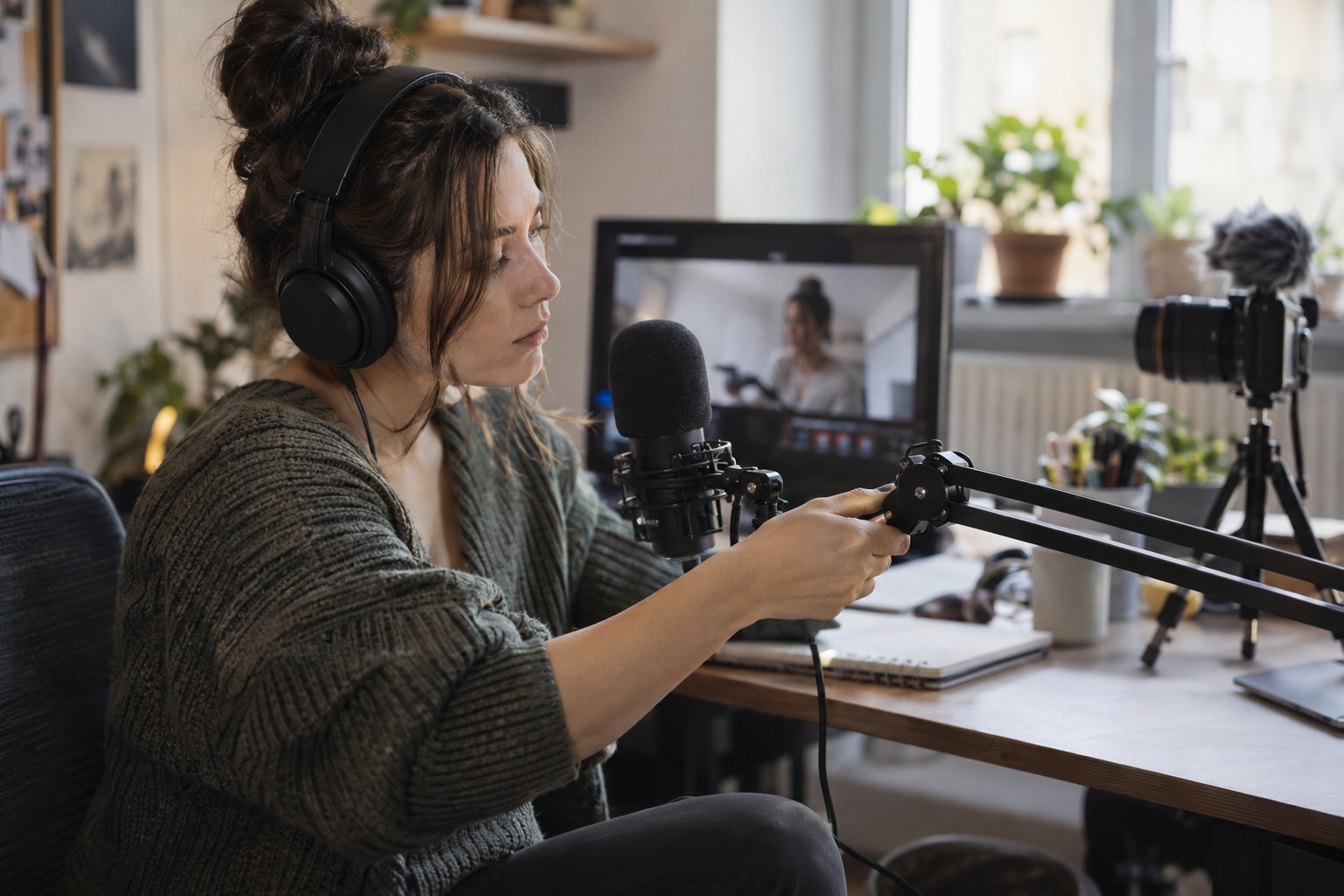
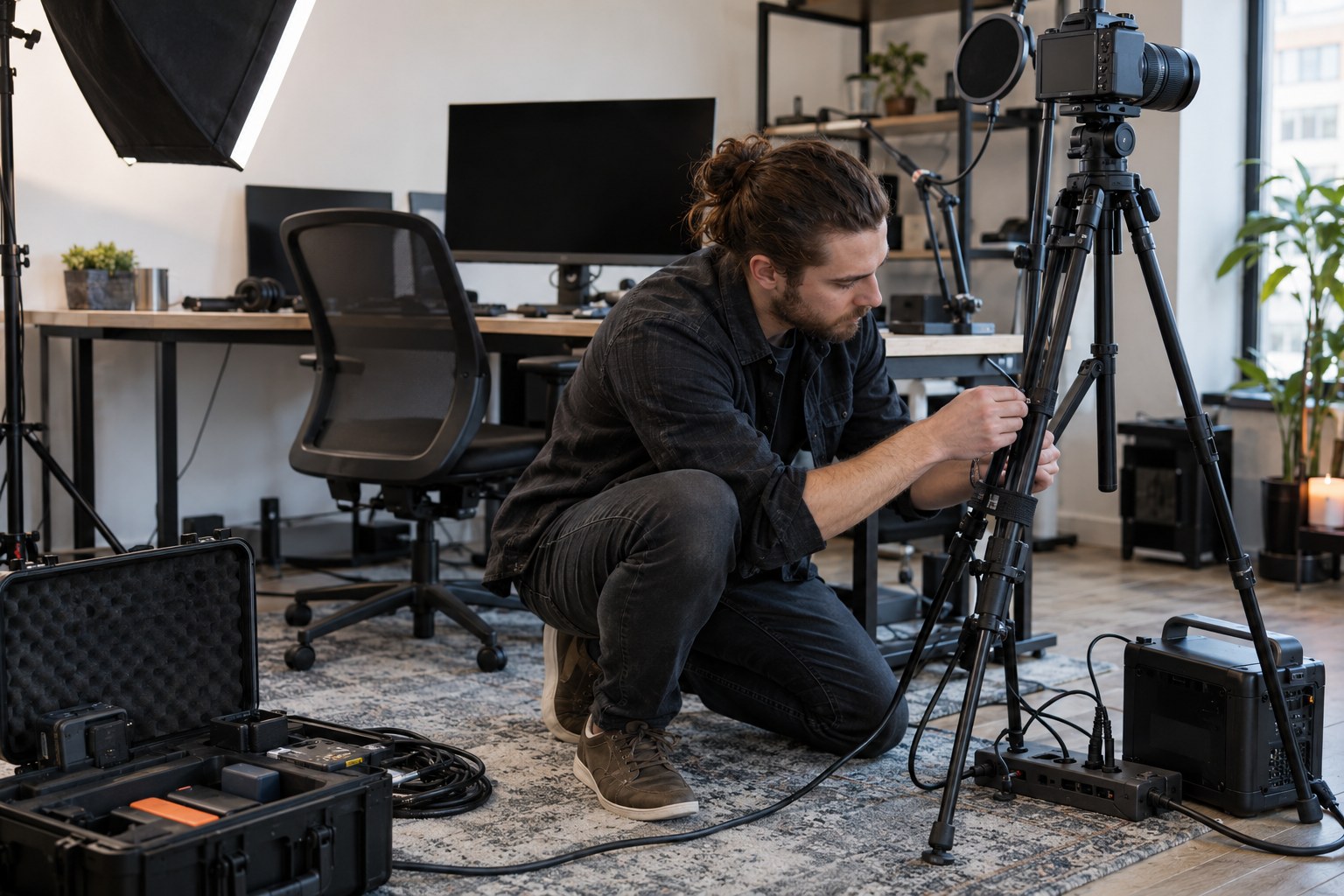
Use mounts rated for the attached device and lock every adjustment that should remain fixed. Route power and data separately where practical, provide strain relief, and keep connectors away from feet, chairs, and moving stands. Put mute, scene switching, private-session acceptance, and emergency stop controls within comfortable reach; the exact functions depend on the streaming platform. Monitor with headphones during setup and keep them available for troubleshooting echo or private audio. Protect the production system with surge protection, disable disruptive notifications, and confirm that power-saving behavior will not interrupt a show. Backups should cover probable single failures: tested cables, an alternate microphone, another connection path where available, and documented recovery steps.
Support gear cannot rescue an unstable configuration. Save known-good camera settings for camming, audio input assignments, scene layouts, and device names so reconnecting hardware does not become improvisational theatre. For a team, assign ownership for charging, inspection, updates, and replacement stock; unowned backup gear has a curious tendency to be empty, incompatible, or missing when needed.
How should the checklist be implemented and maintained?
Implement the setup in operating order: define the show, assemble essentials, secure the physical layout, configure devices, rehearse failure recovery, and approve upgrades only from recorded evidence. The checklist should become a repeatable production standard.
- Define each show mode, creator movement boundary, audio requirement, and operator responsibility.
- Inventory existing essentials and fill only the gaps that prevent a complete rehearsal.
- Mount devices, label cables, protect power, and place controls where they can be used without leaving the performance.
- Configure inputs and scenes, then complete a webcam test for camming from the viewer’s perspective.
- Rehearse normal operation and selected failures; document the approved layout and recovery path.
- Review incident notes after sessions and authorize upgrades only when they remove a repeated constraint.
For independent creators, this sequence protects cash and reduces pre-show decisions. For agencies and platform founders, it also creates a support boundary: creators use validated devices and layouts, while the business can diagnose whether a problem belongs to local equipment, connectivity, configuration, or the platform. Keep legal and safety obligations outside the equipment shortcut mentality. Age and identity verification, performer consent, recordkeeping, privacy, payment rules, and local regulations require qualified review for every operating jurisdiction; a hardware checklist does not make a service compliant.

Platform ownership changes the scale of the decision. Once many creators depend on the service, equipment guidance, device testing, private and group session flows, payments, moderation, and support procedures must work as one operating system. That is where a white-label foundation can be more useful than accumulating disconnected tools. Scrile Stream supports branded private and group video experiences, WebRTC or RTMP streaming, built-in chat, tips, paid access, direct payment integrations, administration, and custom development. It will not choose a creator’s microphone or jurisdiction for you; it gives the business a platform around which a tested production standard can be built.
Turn a reliable creator setup into an owned platform
Once the production checklist is repeatable, the next business decision is where those sessions, payments, and audience relationships live. Scrile Stream is a white-label platform for branded webcam and video chat services, with private and group video, monetization tools, direct payment integrations, administration, and custom development available.
Use the equipment standard to define creator onboarding and support requirements, then evaluate how the platform should handle paid access, tips, chat, moderation, and growth under your own brand.
Frequently asked questions
What equipment do I need to start camming?
Start with a capable computer, suitable camera, clear microphone, soft light, stable wired connection, secure mounts, headphones, accessible controls, surge protection, and spare cables. Add specialist equipment only after rehearsals expose a specific need.
Do I need an expensive camera for camming?
No. A suitable camera with stable settings and secure mounting is more useful than an expensive model paired with weak audio, poor controls, or unreliable connectivity.
Is a separate microphone necessary for camming?
Not always, but a separate microphone often gives more control over placement and background noise. Test speech clarity, movement noise, and monitoring before deciding.
Should I use Wi-Fi or Ethernet for camming?
Use a wired Ethernet connection when it is practical because it removes some wireless variability. If Wi-Fi is unavoidable, test it under realistic household load and prepare a recovery path.
What backup equipment should a cam model keep?
Prioritize tested spare cables, an alternate microphone, protected power, an available fallback connection, and written recovery steps. Add larger duplicate equipment only when interruption cost justifies it.
When should I buy a secondary camera?
Buy one when an established show format needs another angle or when session records show that camera redundancy solves a meaningful interruption risk. Do not buy it merely to make the desk look industrious.
How often should camming equipment be tested?
Perform a short functional check before each session and a complete rehearsal after changing hardware, software, cabling, scenes, or the room layout. Record intermittent faults for later diagnosis.
Can one camming equipment kit work for every creator?
A standardized essential kit can cover common needs, but microphone placement, mounts, monitoring, controls, and backup gear should reflect each creator’s movement, show format, room, and support model.