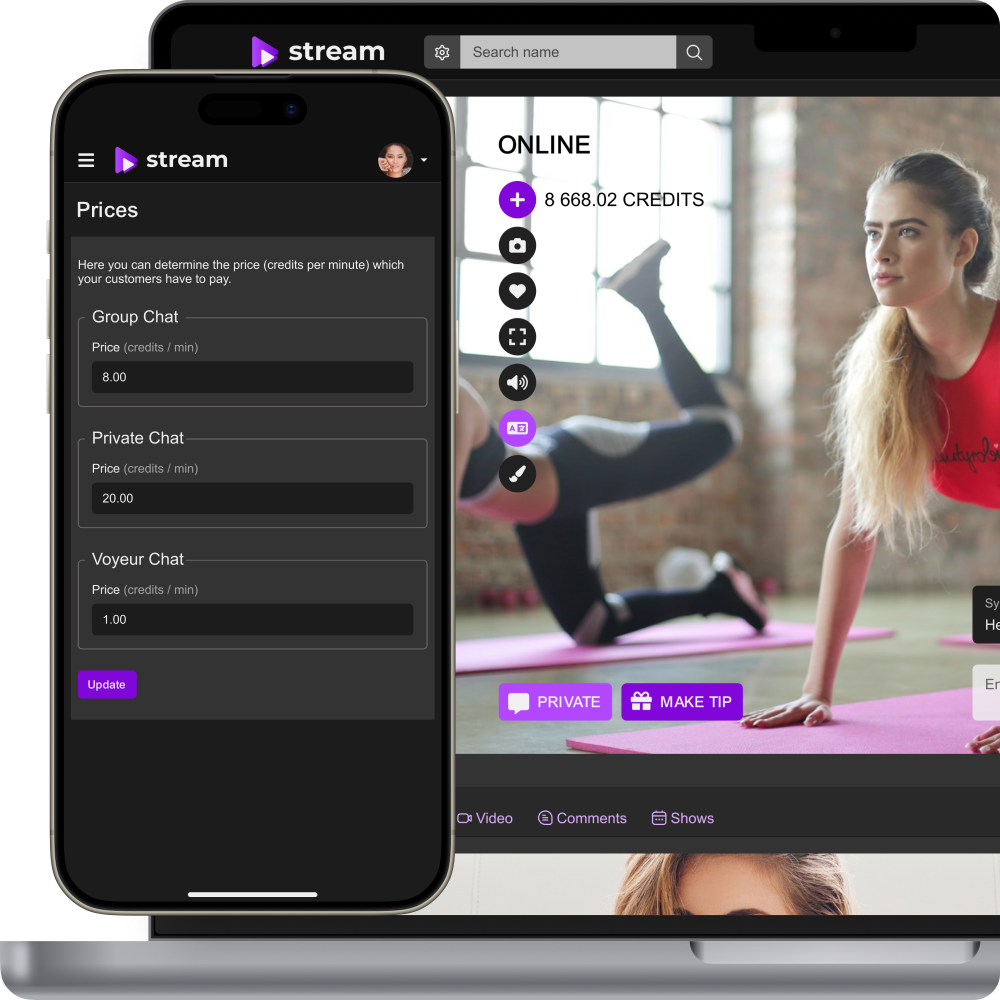
Video Chat API for Website
Video Chat API for Website and Paid One-to-One Calls
Add private one-to-one video calls to your existing website and connect them with user accounts, permissions, paid sessions, moderation, and your own branded customer journey. Scrile Stream provides the video platform foundation and custom integration support around your product.
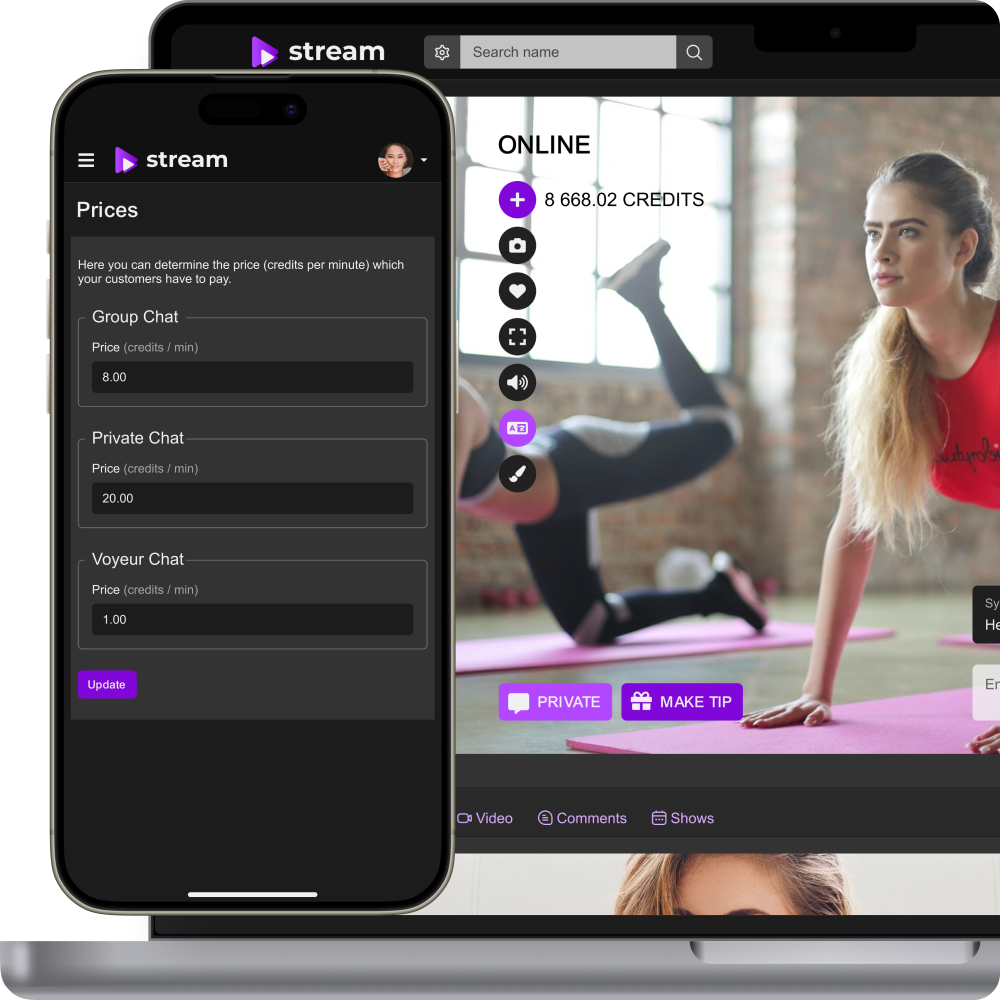
Turn direct video interaction into part of your product
One-to-one video becomes commercially useful when it is connected with the user journey around it: discovery, permissions, pricing, session access, moderation, and post-call actions. A standalone video tool solves communication; an integrated video chat experience can support the business itself.
Keep calls inside your own customer journey
Let users move from a profile, service, booking, member area, or another website flow directly into a private video session.
Control who can call whom
Connect call initiation and session access with roles, permissions, availability, purchase state, or project-specific rules.
Monetize private interaction
Add pay-per-minute or other paid session logic when customers pay for access to a creator, expert, consultant, tutor, coach, or another provider.
Connect the call lifecycle with your existing product
The exact technical implementation depends on the website architecture, but the business flow should be clear before development starts.
1. User reaches a call entry point
A customer opens a provider profile, consultation page, premium area, or another screen where a private call can be started.
2. The website checks access
The product applies the relevant account, permission, availability, payment, or pricing rule before the session begins.
3. The private video session starts
The user and provider enter a one-to-one live video experience within the branded website flow.
4. Session state is recorded
When the call ends, the configured business logic updates the relevant access, billing, transaction, or session data.

Build the user journey around private video sessions
A business needs the functions around the call, not only video transport.
Private one-to-one video calls
Connect two users in a private live video session suitable for paid communication, consultations, creator interaction, tutoring, coaching, dating, or another direct-service model.
User authentication and call permissions
Tie call access to registered users and define who can start, accept, or enter a session according to the project’s roles and rules.
Availability and online status
Show whether a provider is available for live interaction and connect call initiation to presence, schedules, or custom availability workflows where required.
Responsive web experience
Make private calls accessible across modern desktop and mobile browsers as part of the existing website experience.
Moderation and privacy controls
Support account restrictions, blocking, reporting, and additional moderation workflows depending on the selected platform configuration and project requirements.
Session and transaction data
Keep operational information around paid interactions available to the platform backend and extend reporting when the business needs more detailed KPIs.
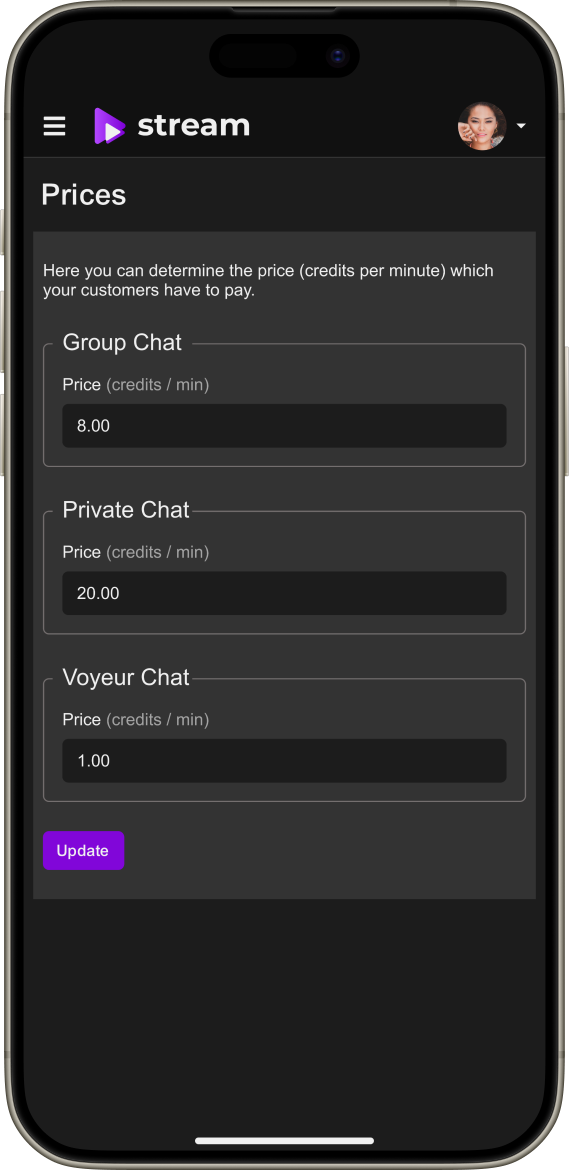
Monetize one-to-one calls on your website
If direct access to a provider is the product, video chat can be connected with the payment logic rather than treated as a free communication feature.
Pay-per-minute calls
Charge according to the duration of a private session and configure pricing around the provider or selected business model.
Balance or payment logic
Define how customers fund paid sessions and how access is checked according to the payment architecture selected for the project.
Tips
Allow additional voluntary payments when tipping is relevant to the service and selected Scrile Stream configuration.
Additional premium access
Combine live calls with subscriptions, premium content, or paid communication where those mechanics are part of the final product scope.
For a dedicated commercial page focused on the billing model, see pay-per-minute video chat software.
Integrate calls with users, payments, and business logic
The video layer should not become a separate system that staff have to manage manually. Define which parts of the existing product must stay synchronized with the call experience.
Accounts and identity
Map Scrile Stream users or session access to the website’s existing customer/provider records using the integration method approved for the project.
Permissions and roles
Connect the call flow with customer, provider, moderator, manager, or other roles already used by the product.
Payments and pricing
Link paid call access with the selected payment setup and the website’s commercial logic where required.
Session events and business actions
If the website needs to react to call start, call end, payment state, availability, or another session event, define the required integration contract during technical discovery.
Existing databases and services
Plan data mapping and synchronization instead of duplicating core business records across separate systems.
Make private calls look like part of your product
Users should stay in the same brand and interface from discovery to the end of the call. The video experience can be adapted around the existing website rather than sending customers to an external communication service.
Your brand and domain
Keep the customer-facing call journey aligned with your website identity, navigation, copy, colors, and product positioning.
Custom call entry points
Start calls from the context that makes sense for the product — profile pages, bookings, messages, premium areas, service listings, or another approved flow.
Custom UI around the call
Adapt surrounding information, pricing, provider details, call status, support, or other interface elements to your use case.
Custom development where needed
Add project-specific logic for scheduling, matching, moderation, reporting, integrations, or other workflows that are not part of the standard configuration.
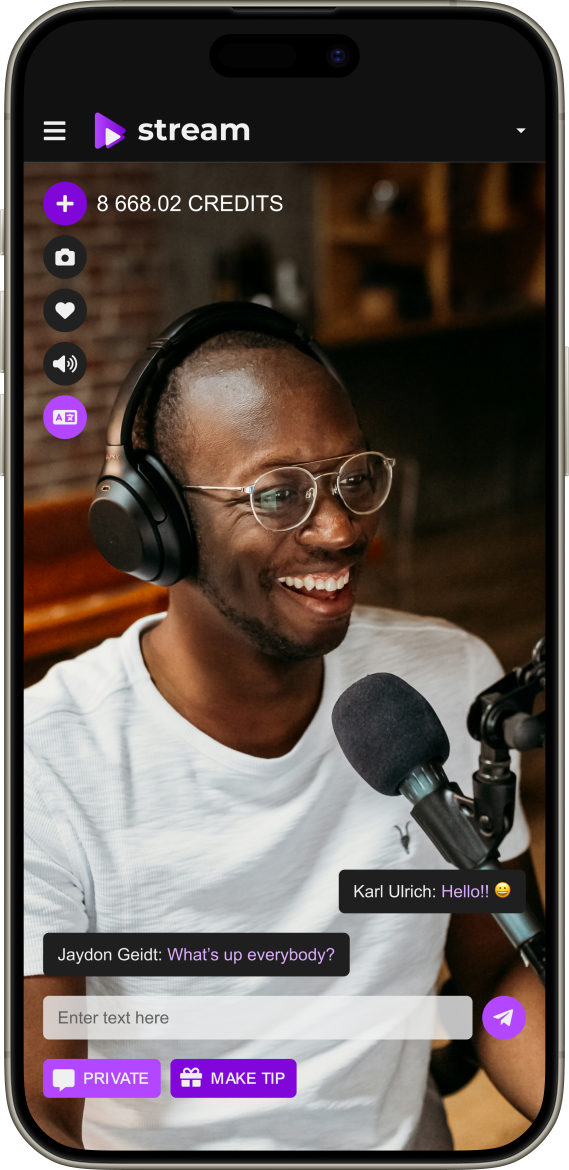
One-to-one video chat for services, creators and marketplaces
The same integration pattern can support multiple business models where users need direct real-time access to another person.
Expert consultations
Add paid or controlled video access to consultants, advisors, specialists, or independent professionals listed on your website.
Coaching and tutoring
Connect students or clients with coaches, tutors, language partners, mentors, or instructors through private sessions.
Creator and fan platforms
Give creators another direct monetization channel through private live interaction without sending fans to a separate service.
Dating and social products
Add private video calls to a platform that already manages profiles, discovery, messaging, permissions, and moderation.
Premium customer communication
Build paid concierge, specialist support, member-only communication, or another high-value live service into an existing product.
Plan the integration before choosing API, widget, or custom module terminology
The exact technical interface should be defined only after reviewing the current website and the required call lifecycle.
1. Audit the existing product
Document frontend stack, account model, roles, payments, user database, current hosting/deployment constraints, and the screens where video chat should appear.
2. Define the call lifecycle
Specify who initiates the call, what checks happen before it starts, what data is needed during the session, and what must happen when it ends.
3. Choose the integration method
Select the approved technical approach based on the architecture: existing Scrile Stream interfaces, a custom integration layer, or another supported method.
4. Implement and test
Connect UI, users, access, payments, moderation, and session behavior; then test desktop/mobile and failure states before launch.

Need broader live streaming instead of one-to-one calls?
If the goal is to add public broadcasts, group live sessions, event streaming, or a broader live video section to the site, use the Add Live Streaming to Website landing as the more general solution page.
Explore the broader live streaming integration: Add Live Streaming to Website
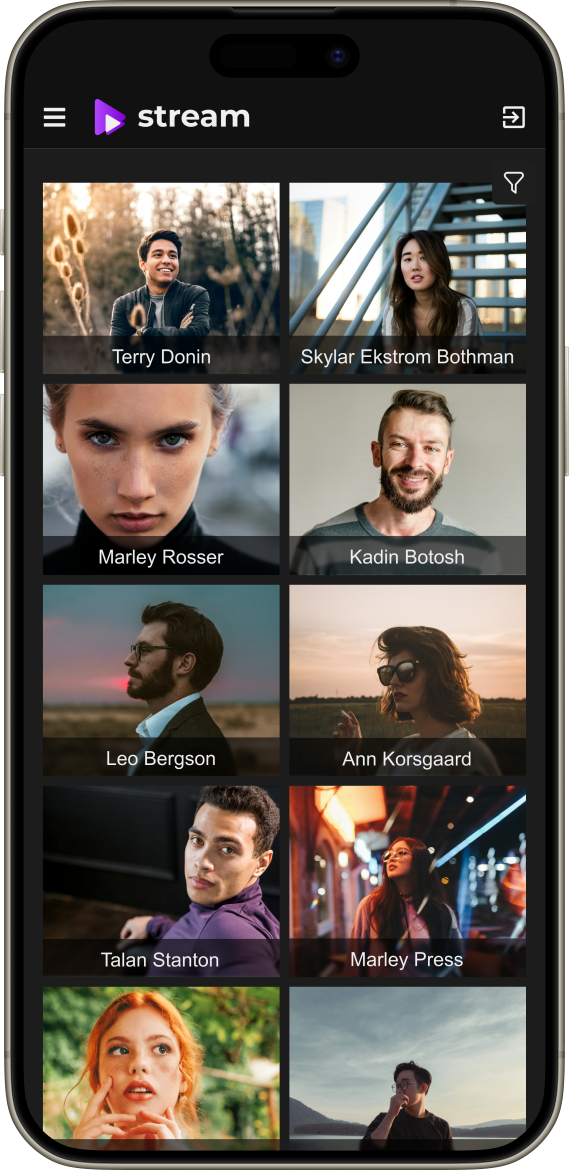
Start with a platform built for monetized live interaction
Private video and paid interaction
Use an existing foundation for one-to-one video, pay-per-minute monetization, tips, premium content, payments, and platform administration.
White-label customer experience
Keep the video chat experience under your own product identity rather than redirecting users to a third-party communication service.
Custom product integration
Connect the video layer with your current accounts, roles, payments, and backend workflows based on the approved project scope.
Development and launch support
Use Scrile for UX/UI, custom development, hosting, testing, technical support, and further iteration where required.
Frequently asked questions
Does Scrile Stream provide a video chat API for websites?
Scrile Stream can be integrated into an existing website to add private video chat. The exact technical method — and whether the project uses an API-style integration, custom module, or another supported approach — should be confirmed after reviewing the website architecture.
Can I add one-to-one video chat to an existing user profile page?
Yes. A project can be designed so video calls start from an existing profile or service flow, with the required user mapping, permissions, pricing, and call state defined during integration.
Can I charge users per minute for video calls?
Yes. Scrile Stream supports pay-per-minute monetization for private video interaction. The exact pricing and payment flow should be configured around the business model.
Can different providers have different call rates?
Flexible paid-session logic can be configured around providers or service types. The final pricing rules should be confirmed as part of the project scope.
Can video chat use my existing login system?
It can be connected with an existing account model, but the authentication and identity mapping method depends on the current website architecture and approved integration approach.
Can I add moderation and blocking?
Scrile Stream includes platform administration and moderation capabilities, and additional complaint, blocking, review, or niche-specific workflows can be developed when required.
Is the video chat mobile friendly?
The web experience can be designed for modern desktop and mobile browsers. Device and browser support should be tested against the final implementation before launch.
Add one-to-one video chat to your website
Tell us where video calls should appear in your product, who should be able to start them, and how sessions should connect with your users, permissions, and payments. We’ll help you define the integration scope and the right Scrile Stream setup.