
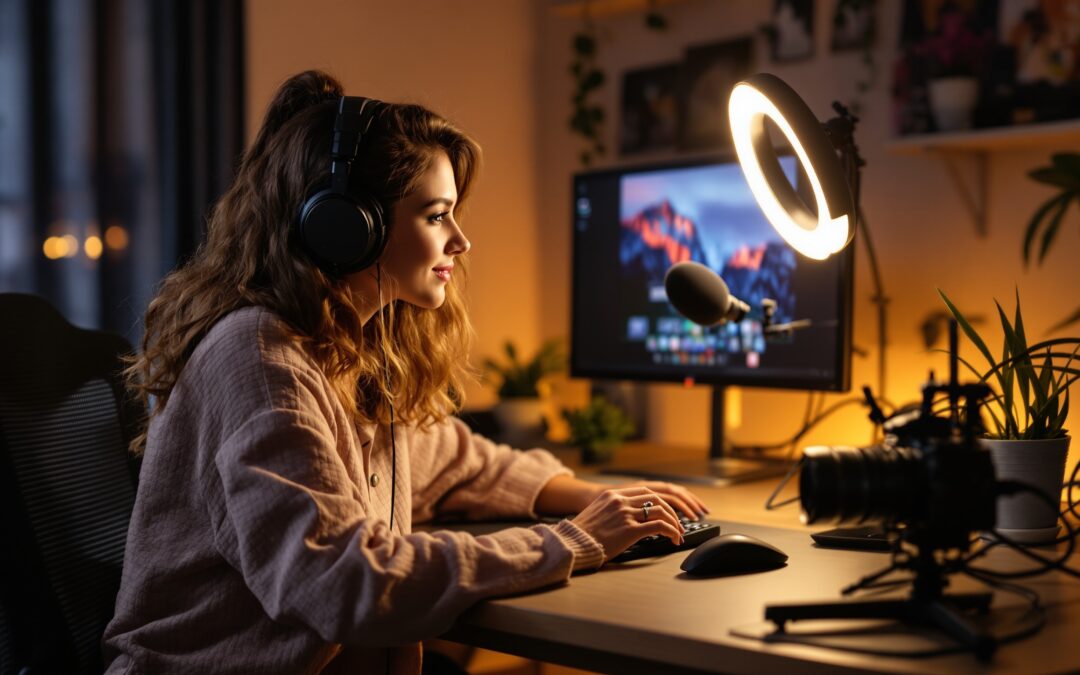
Quick answer
The cheapest streaming setup is not the one with the lowest sticker price. It is the one that avoids a fast re-buy. On a tight budget, start with clean audio, stable framing, and usable light; use the camera you already have if it is decent in daylight, then upgrade in the order your room actually fails. If your budget is so small that you cannot cover a mic, a light, and one stability fix, wait and borrow gear first.
A budget streaming setup fails for a simple reason: people buy the visible part first and the failure point last. The stream then sounds hollow, clips the voice, or shakes every time the desk moves. Viewers do not call that “starter quality”; they call it hard to watch.
For neutral context, compare this decision against Twitch broadcasting guidelines.
The safe way to spend is to ask a narrower question: what is the minimum setup that will still look and sound credible after one month of use? That question changes the whole plan. It keeps you from buying a camera before you know whether your room is noisy, your desk is stable, or your capture path is the real bottleneck.
That is also why the hidden costs matter. A $60 mic can turn into a $110 purchase once you add a boom arm, pop filter, and the cable you forgot to buy. A “cheap” console setup can jump again when you realize you need an adapter, a longer HDMI cable, or a capture path that does not add delay. In practice, mounts, cables, and adapters often add 20-35% to the real bill.
Before you spend, read the rest of the setup as a sequence of decisions, not a shopping list. That is the difference between a stream that holds up for 90 minutes and one that starts with a bargain and ends with a return order. If you later want the broader platform side, the sister guide on streaming essentials covers the baseline pieces, while How to set up streaming shows the setup flow once the gear is chosen.
| Setup type | Realistic floor | What it covers | What still breaks first |
|---|---|---|---|
| Phone-based talking stream | $40-$120 | Clamp, light, basic audio | Room noise and shaky framing |
| PC webcam stream | $120-$300 | USB mic, webcam, one light | Echo, bad room acoustics, weak desk space |
| Console gameplay stream | $180-$450 | Capture path, mic, lighting, cables | Audio routing and capture lag |
| Two-person home setup | $250-$600 | Two mics or one interface, two light sources | Noise bleed and inconsistent levels |
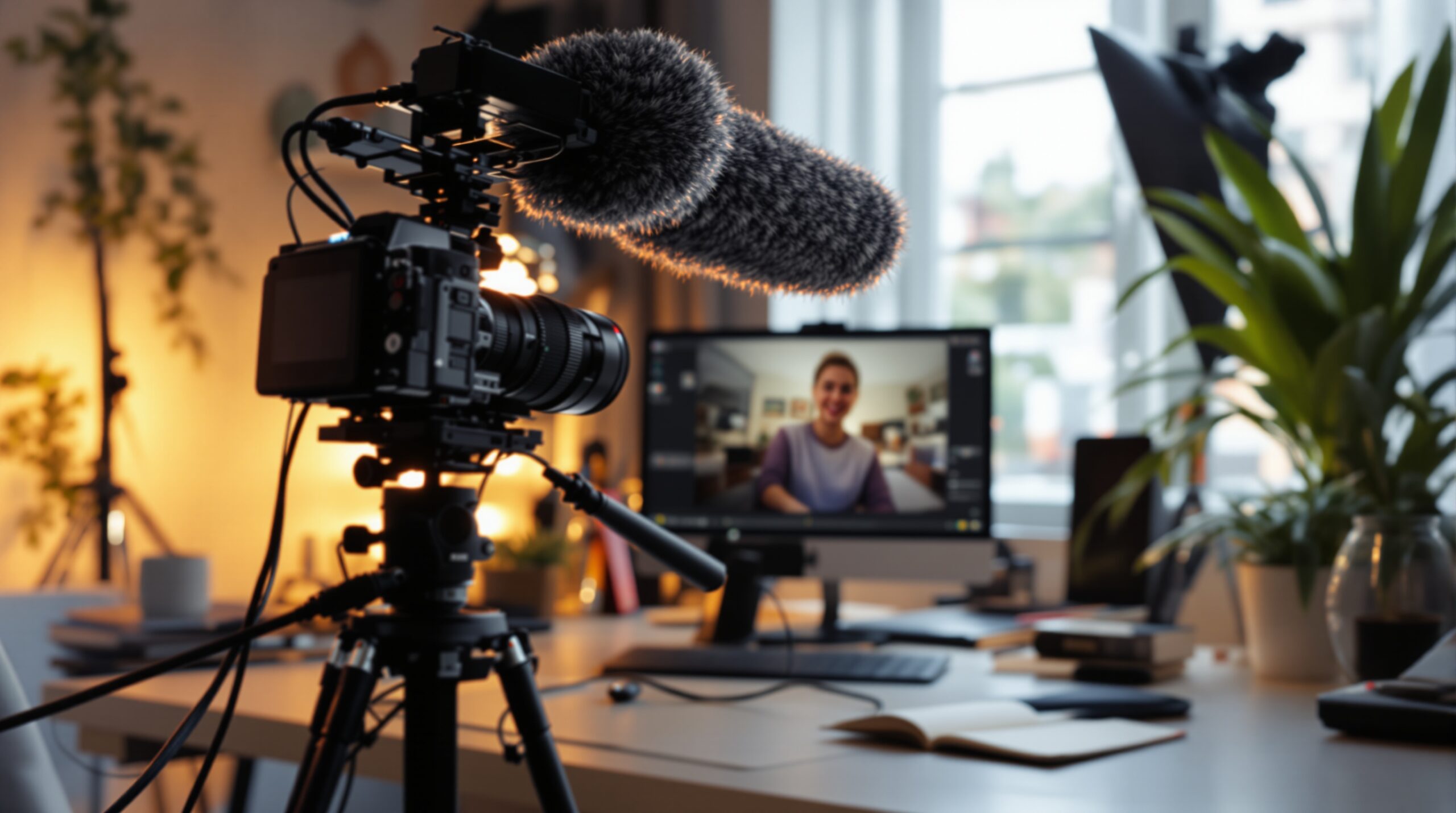
Budget streaming setup by scenario: PC, console, or phone
Start with the device you already own. That sounds obvious, but it is where buyers overspend most often: they replace a serviceable laptop camera before checking whether the room is too dark, the desk is too deep, or the mic is the real problem. A decent PC can make a $70 microphone feel like a leap. A weak room can make a $250 webcam look average.
PC streamer: spend on the voice first
For a PC setup, the first buy is usually a USB microphone, not a better camera. If the room is quiet, a $60-$120 mic often improves perceived quality more than a more expensive webcam. That is because people forgive soft video sooner than they forgive noisy, thin, or distorted audio. A laptop fan, keyboard clicks, and room echo will punish the stream every minute, while a mediocre camera usually only looks mediocre.
If you already have a workable webcam, keep it and move the budget into sound and light. That is the cheapest path that still looks intentional. You can always replace the camera later, but you cannot make bad input sound less fake after it has already reached the stream.
Console streamer: budget for capture before image polish
Console buyers get trapped by the wrong visible upgrade. A brighter scene does not fix a broken capture chain, and a nicer camera does not fix audio sync. If the console feed is the core of the stream, the first real question is whether your capture path is stable enough to avoid lag, dropouts, or muted audio.
This is where false economy is most expensive. Saving $30 on the wrong cable or adapter can cost an evening of troubleshooting, then force a second purchase anyway. For console streams, the cheapest good setup is the one that keeps game capture stable before you worry about scene design.
Phone-based streamer: protect stability and battery life
Phone setups look cheap because the camera is already in your hand, but they fail in three predictable places: heat, battery drain, and framing stability. A clamp or tripod, a compact light, and a plug-in mic usually beat a random bundle of accessories. The stream then feels controlled instead of improvised.
After 60-90 minutes, the weakest phone rigs start to wobble, dim, or overheat. If your content is short and casual, that may be fine. If you want longer sessions, treat stability as the main spend and accessories as optional only after the mount is fixed.
What you can reuse without hurting quality
Reusing gear is smart when the reused part is not the reason viewers leave. A phone can replace an entry webcam, a headset mic can cover the first few sessions, and daylight can replace a light for daytime-only streams. The cut becomes risky only when the substitute creates a permanent ceiling: laptop mics pick up too much fan noise, bargain cameras fail badly in low light, and cheap tripods drift once you touch the desk.

Minimum viable streaming setup: what to buy first and what to skip
The clean order is simple: fix audio first, then stop the frame from moving, then buy camera upgrades only if the image still fails. That order is not theory. It is what prevents a budget stream from turning into three separate purchases and one regretful return.
A lot of beginner advice says “audio matters more than video,” but that is too vague on its own. The practical version is this: if your voice is clean, viewers can stay even when the image is plain; if your voice is noisy, they leave even when the image is sharp. That is why a $90 mic often beats a $200 camera in a real starter room.
There is one more rule that saves money: do not pay for polish before the stream is stable. Fancy scenes, overlays, and software add-ons do nothing if the mic clips or the camera flickers every time you move. Free tools like OBS Studio are enough for most beginner builds because the problem is usually the hardware chain, not the scene builder.
Once your three basics pass the test, clear voice, steady frame, and usable light — stop buying. Extra purchases at that point usually improve comfort, not credibility. If you are building a creator stack rather than just a one-person stream, the broader setup map in how to become a streamer keeps the gear decision separate from growth decisions.
What ages well in a cheap setup and what does not
Cheap gear is not automatically bad. Cheap gear is bad when it creates a ceiling you hit in week two. A known entry webcam, a mainstream USB microphone, and a simple light often age better than a bundled “all-in-one” kit because they use standard mounts, stable drivers, and parts you can reuse later.
The wrong kind of savings looks attractive on day one and expensive on day 30. A no-name mic that sounds fine in a silent room may fail the moment a fan turns on. A bargain camera may look acceptable at noon and turn muddy at dusk. A weak tripod can force you to stop the stream because the frame keeps drifting. The point is not to buy premium gear; the point is to avoid buying something that forces a second buy before you even settle your format.
When you compare entry gear, buy the class of tool that stays useful after the first upgrade. That is why a stable USB mic, a decent clamp, and a serviceable webcam beat a flashy bundle with one weak accessory buried inside it. The bundle is cheap only until the broken part starts dragging the whole setup down.
Budget streaming setup and the mistake list that costs the most
The most expensive beginner mistake is buying around the symptom instead of the cause. A creator hears echo and buys a different mic. The room is still bare, so the echo stays. Another buyer sees a soft image and buys a better camera. The room is still dim, so the image stays flat. In both cases, the budget was spent twice to fix one problem badly.
Three mistakes that trigger a re-buy
First: using the laptop mic because it is free. It is free only once. After that, it keeps making the stream sound distant, noisy, and unpolished.
Second: buying the camera before the light. A camera cannot rescue a dark room; it only records the darkness with more detail. That mistake is common in bedroom setups where the creator wants a “better picture” but has not solved the light source.
Third: treating console capture like a cosmetic decision. If the capture path is unstable, every other improvement sits on top of a broken base. That is why console budgets should be checked for cables, adapters, and capture stability before anyone buys a nicer webcam.
The healthy version of the same setup
A healthy starter setup is boring in the best way. The voice stays clear for a full session, the frame does not jump when the desk moves, and the face or gameplay is visible without the camera fighting the room. There is no drama in the first ten seconds, which is exactly what makes the setup feel more expensive than it is.
That is the bar to aim for: not “looks like a studio,” but “nothing immediately breaks trust.” Once you hit that bar, the stream can survive being budget-friendly. Before that, every saved dollar just moves the pain to a different part of the setup.
Budget streaming tools: what belongs in the stack and what does not
Some guides turn this part into a shopping catalog. That is the wrong move here. The real question is not which branded product is “best”; it is which class of tool is worth buying at all. For most beginners, OBS Studio is still the correct software answer because it is free and flexible enough to support a real starter stream without adding software cost. Its weakness is time, not quality.
For cameras, a stable entry webcam such as the Logitech C920 can still make sense if your room has enough light. It is not a miracle device and it will not fix a bad environment, but it is dependable, widely supported, and easy to resell later. If the room is dark, the better spend is often on a light before you chase a better camera body.
For lighting, a clean one-light setup usually beats a fussy multi-light setup you never tune properly. A light that is easy to place and control is often more useful than a more expensive panel with settings you do not touch. The best light is the one you can actually use every time you go live.
For audio interface users, a device like the Focusrite Scarlett Solo makes sense only when you already know why you need it. If you are running one mic and one stream, a simple USB mic may be enough. If you need cleaner mic routing, more control, or a more serious audio chain, then an interface becomes a real upgrade instead of a badge purchase.
For teams that move beyond a normal hobby stream, the platform layer matters too. A private live room, tipping, premium access, and moderation are not camera problems. They sit at the infrastructure level, which is why a product like Scrile Stream belongs in a different budget conversation from a basic webcam or mic. Its value is not “better picture”; its value is owning the live business layer instead of renting it from a marketplace.
In simple terms, gear solves the visible quality problem and platform software solves the control problem. A beginner on a tight budget usually only needs the first category. A creator with a paid live-video model eventually needs both.
How to test a starter rig before you spend again
Do not buy the second round of upgrades until the first round has survived one live session. A 20-minute test stream will tell you more than a product page. Listen for clipped words, room echo, and fan noise. Watch for wobble when you touch the desk, flicker when the light changes, and delayed capture if you are on console.
Then record the same setup offline and compare it to the live run. Live video exposes sync and stability problems; the recording exposes visual problems you may miss while talking. If the same issue appears in both places, the fix belongs in the hardware chain, not in the software settings.
Keep a plain list of every extra item you had to buy to make the setup work. That list is usually the truth you did not want to hear. If the “cheap” build needed three adapters, a new stand, and a backup cable, the setup was never cheap; it was just incomplete.
If you want a wider path after the first test, the guide on How to set up streaming covers the follow-on setup decisions, while streaming essentials shows the core elements in one place. Use those only after the budget floor is stable; otherwise you are just rearranging the same problem.
Where Scrile Stream fits this picture
Most budget streaming setup decisions stop at gear, but some creators are already building a live-video business, not just a personal stream. In that case, Scrile Stream belongs at the platform layer: private and group video chat, tipping, premium content, WebRTC or RTMP support, and direct payments under your own brand. It does not replace a microphone, webcam, or light; it gives you control over the live business model once the starter rig is already working.
Budget setup moves that make sense this week
Start by checking what you already own. A decent phone camera, a quiet room, or a headset mic can cover the first stage without extra spend. That alone may keep you from buying a second-best bundle just because it is labeled “starter.”
Next, spend first on the part that creates the clearest failure in your room. If the audio is the problem, fix audio. If the frame shakes, fix the mount. If the room is too dark, fix the light. That is the only order that prevents a false economy.
After that, set a hard stop. When the stream clears the three credibility tests, clear voice, steady image, and usable light, do not keep adding gear just because it exists. The expensive part of a budget setup is not the first purchase; it is the purchase you make after the real problem is already solved.
For the next step, keep the upgrade sequence boring: microphone, stability, light, then camera only if needed. That gives you a stream that feels cleaner than the budget suggests and avoids the fast re-buy that ruins cheap setups.
How to Get Paid on Twitch: Ways to Earn More
Ready to build the setup behind this?
If this is the operating problem you need to solve, use the product page as the next step. It shows where build your setup fits and what the platform covers beyond a single payment widget.
Frequently asked questions
How small can a budget streaming setup be and still look credible?
Small enough to reuse what you already own, but not so small that the stream fails in the first minute. A credible floor is usually one clear mic path, one stable framing choice, and enough light that the camera does not fight the room.
What hidden costs should I expect first?
Cables, mounts, clamps, adapters, and stands usually show up first. They often add 20-35% to the real bill, especially in console or phone setups where stability and connection parts are easy to forget.
Should I buy a microphone or camera first?
For most beginner streams, the microphone comes first. Viewers tolerate average video faster than bad audio, and a clean voice changes the perceived quality of the stream more than a small camera upgrade.
When is a cheap webcam a bad buy?
It is a bad buy when the room is dim or the camera will only be used to hide the real problem. A cheap webcam in good light can be fine; a cheap webcam in a dark room usually becomes a second purchase.
Do console streamers need a capture card immediately?
Only if the stream depends on stable game capture. If the current path already causes lag, sync issues, or audio trouble, delaying the capture solution usually costs more time than the card itself.
When should I stop upgrading the budget setup?
Stop when the stream passes three tests: people can hear you clearly, the frame stays steady, and the room does not make the camera work too hard. After that, most extra purchases improve comfort, not credibility.