

Quick answer
The fastest way to ruin a new stream is not a weak camera. It is one broken link in the chain: bad audio, shaky upload, overloaded encoding, or a workflow that costs 15 minutes before every broadcast. Use this page to separate what you must have from what you can delay, so you can launch with a stream that actually survives the first 20 minutes.
Streaming essentials people usually miss
Most first-time streamers start by shopping for a camera. That is usually the wrong first move. A stream does not begin with pixels; it begins with sound, upload, software settings, and a setup routine that does not fall apart under pressure.
For neutral context, compare this decision against OBS Studio streaming guide and Twitch broadcasting guidelines.
That is why a setup can look fine and still fail in the first minute. A modest webcam is often good enough, while a cheap microphone in an echoey room can make the whole broadcast hard to watch. A fast internet plan can also mislead you: if upload speed dips, packet loss rises, or a cloud backup starts in the background, the stream still stutters.
The hidden cost is concrete. It shows up as 10 to 20 minutes of fixes before each live session, dropped streams when the household network gets busy, and viewers leaving before the first minute because the audio crackles. That is why good teams treat streaming as an operating system, not a pile of gadgets.
The clean baseline is small: one capture source, one microphone, one encoder, one stable network path, and one fallback plan. That is enough for a first usable broadcast.
If you need the configuration side next, the sister guide on how to set up streaming goes deeper into the actual setup order. If you are still mapping the bigger path from test stream to channel, how to become a streamer shows what changes once the stream stops being an experiment.
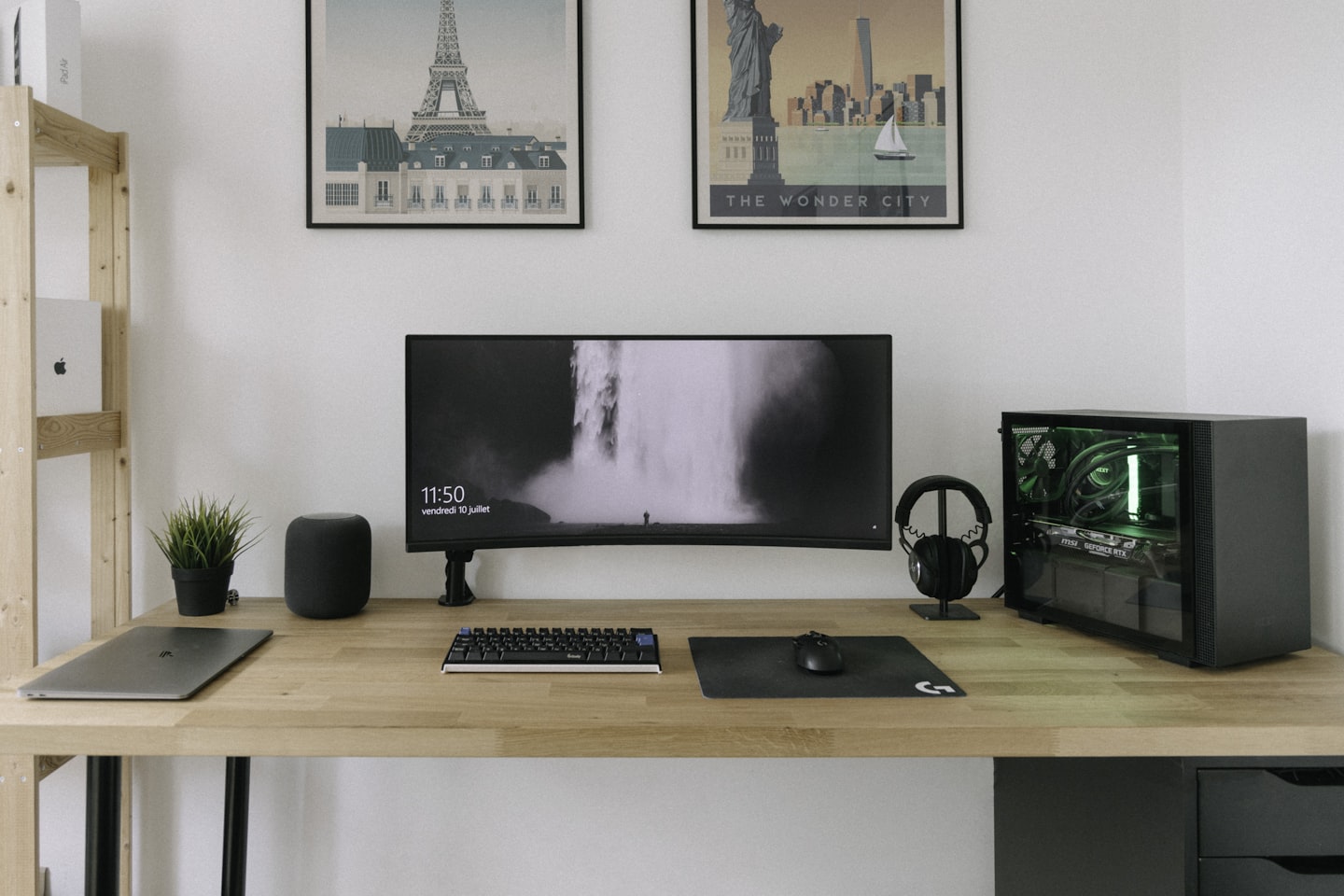
Minimum viable streaming essentials by stream type
Do not buy everything first. Buy the smallest stack that can stay on air without collapsing. That is the difference between a stream that starts and a stream that keeps working after the tenth minute.
Different formats change the order of priorities. A facecam talk stream can live with average video quality, while a gameplay stream needs more encoder headroom and a capture layout that does not fight the game. Audio-led sessions, such as coaching or interviews, put the microphone and room behavior ahead of almost everything else.
Webcam-first stream
A webcam-first stream needs a camera, microphone, lighting, streaming software, and stable upload. The camera can be modest. The microphone cannot be poor. If viewers cannot understand you, the stream loses them long before they care about picture quality.
This is usually the cheapest format to stabilize, which makes it the best first test for a new setup. Three core devices and one software preset can be enough to go live. Overlays, camera upgrades, and fancy scene changes can wait until the basic stream stops wobbling.
Gameplay with facecam
Gameplay adds a second load: the machine has to encode both the game and the facecam without choking. In that setup, CPU or GPU headroom matters more than many beginners expect. A stream that works for ten minutes and then drops frames is not really working.
The hidden trap is scene complexity. Two sources, one scene, one mic, and one encoder preset sound simple, but this is where amateurs often overbuild the layout and then spend the first week fixing black frames. Keep the scene count low until the stream runs clean for several sessions.
Audio-led live session
Audio-led formats are common in coaching, interviews, and private live sessions. Here the stream can tolerate average video, but it cannot tolerate inconsistent voice levels, room echo, or clipping. A cheap camera is usually less damaging than a bad room.
If the session depends on trust or dialogue, treat the mic as the main asset. That rule still holds even in monetized private-video systems like Scrile Stream. Because the front end succeeds or fails on sound before branding or polish matter.
Streaming essentials field spec: what each item must do
People say “get a mic” or “use OBS,” but that is not a spec. A stream needs parts that each do one job cleanly. Once a piece has two jobs, it usually starts failing at both.
Use the table below as a readiness check. It is not a shopping list. It shows whether each essential is strong enough to carry the live session.
| Essential | What it must do | Owner | If it fails | Upgrade later |
|---|---|---|---|---|
| Camera / capture source | Hold a stable frame with no random dropouts | Creator | Viewers lose visual trust, but the stream may still be usable | Better sensor, better lens, second angle |
| Microphone | Carry clear speech without hiss, echo, or clipping | Creator | The broadcast becomes hard to follow in under 60 seconds | XLR chain, mixer, room treatment |
| Lighting | Separate you from the background and keep exposure steady | Creator | The image looks soft and noisy even if the camera is fine | Three-point kit, color control |
| Internet upload | Hold steady upload speed with low packet loss | Household / IT | Frame drops, buffering, reconnect loops | Dedicated line, wired backup, failover router |
| Streaming software | Encode, route scenes, and recover fast after a mistake | Creator / ops | The stream starts, then stalls under load or bad scene design | Scene automation, hotkeys, multistream tools |
| Monitoring | Let you hear and see what the audience receives | Creator | Problems stay hidden until viewers complain | Second screen, meters, stream health alerts |
The failure column matters more than the upgrade column. It shows what breaks first and what deserves attention first. In many setups, the first bottleneck is not video quality. It is audio monitoring, then upload stability, then scene complexity.
If you are building a paid live product or private session system, the same logic applies at the platform layer. Tools such as Scrile Stream can bundle payments and moderation around the broadcast, but they still depend on the basic chain: clear audio, stable transport, and quick operator control.
Streaming essentials by risk and failure point
When a stream breaks, the cause is usually not mysterious. It is one of five weak points: sound, upload, encoding, lighting, or workflow. Fix the first bottleneck, not the prettiest one.
That distinction saves hours. A bad mic hurts retention immediately. A weak network path kills trust within minutes. A messy workflow wastes time before the stream even begins.
| Weak point | Typical symptom | First fix | What it saves |
|---|---|---|---|
| Audio | Echo, hiss, clipping, uneven level | Move the mic closer and lower room noise | First-minute retention |
| Upload | Buffering, dropped frames, reconnects | Use wired internet and lower bitrate | Stream continuity |
| Encoding | Stutter when scenes change or game load rises | Use a lighter preset and close background apps | CPU/GPU headroom |
| Lighting | Soft image, noisy picture, wrong exposure | Add one controlled key light | Visible image quality |
| Workflow | Delayed start, missed scenes, operator stress | Build one repeatable pre-live checklist | Setup time and error rate |
Here is the part beginners skip: if your workflow fails, the rest of the stack does not matter yet. A 15-minute scramble before each broadcast burns focus and makes the stream feel amateur even when the gear is fine. Teams that solve this usually cut setup time by 30 to 50 percent after they write the steps down.
For transport issues, the sister piece on Live streaming without delay explains where latency starts to grow. If you are comparing broader category choices, Streaming platforms like Twitch is the right next read.
In monetized private-video setups, the same bottleneck logic matters even more. If the platform layer is heavy but the stream path is weak, users blame the product for an operator problem. That is one reason teams often prefer a system that keeps chat, payments, and moderation in one place instead of scattering them across tools.
What to check before your first broadcast
A first broadcast should be boring in the best way. No surprises. No last-minute cable swaps. No guessing whether the mic is clipped because the room sounds “kind of okay.”
Run the checklist as a test, not as a wish list. If a step cannot be verified in under two minutes, the setup is not ready yet.
- Record a 30-second test and listen back with headphones.
- Watch the upload graph while another device uses the network.
- Switch scenes three times and check for delays or black frames.
- Read one paragraph on camera and confirm voice levels stay even.
- Restart the software once before going live so the first launch is not the first test.
The most revealing step is still the one many people skip: record locally and review it. A stream can look acceptable live while the file shows desync, hiss, or exposure drift. A 30-second local clip catches that faster than a 30-minute debate.
After three or four broadcasts, the checklist usually turns into muscle memory. That is the point where the operator stops rebuilding the setup from scratch every week and starts running a repeatable system.
If you are launching a private live service rather than a personal channel, this readiness check should also cover access, payments, and moderation rules. Scrile Stream belongs in that category because it combines the broadcast layer with the control layer, which reduces the chance that the technical stack and the business stack drift apart.
Build the baseline, then upgrade in the right order
Do not buy upgrades until the baseline stream is already stable. A better camera cannot fix a bad mic. A brighter light cannot fix packet loss. A second monitor cannot fix a workflow that nobody has written down.
Start with the smallest stack that can survive a 20-minute live test. Then improve one weak point at a time. That order keeps the money tied to the real failure instead of the loudest recommendation on a gear list.
A practical sequence is simple: fix audio first, then upload, then lighting, then encoding, then workflow. Once those five stop fighting each other, the stream is ready to move from “works once” to “works every week.”
If the next step is building the actual setup, move into how to set up streaming before you chase upgrades. If the goal is a monetized service with private sessions, the platform decision starts to matter only after the essentials are already steady.
Where Scrile Stream fits this picture
For creators and teams whose streaming essentials already include payments, private sessions, moderation, and branded access, Scrile Stream belongs in the same conversation as the camera and encoder stack. It does not replace the basics. It wraps the business layer around them, so the stream does not live in one tool while revenue and moderation live in three others.
That matters most when the format is closer to a paid video service than a casual channel. In that case, the real risk is often not the broadcast itself but everything around it: access control, payout flow, and day-to-day moderation.
How to Get Paid on Twitch: Ways to Earn More
Product-fit signal: Small and medium businesses launching a live video platform; Entrepreneurs starting a webcam or live streaming business
Practical advantages: White-label live streaming platform; Own brand, logo, design, and domain
Ready to build the setup behind this?
If this is the operating problem you need to solve, use the product page as the next step. It shows where accept recurring crypto payments fits and what the platform covers beyond a single payment widget.
Frequently asked questions
What if my camera is good but the stream still feels bad?
Start with audio and upload. A strong camera hides less than people expect. If viewers hear echo, hiss, or dropouts, they leave before they care about image quality.
When is a phone enough for a first stream?
A phone is enough for a short test or a simple webcam-style broadcast. It stops being enough when you need stable framing, better audio control, or a repeatable weekly workflow.
What happens if my internet speed is high but the stream still buffers?
Speed alone is not the metric that matters. Packet loss, Wi‑Fi instability, and shared household traffic can break a stream even on a fast plan. A wired connection usually fixes more than a faster plan does.
How do I know when to switch from a basic setup to a more serious one?
Switch when your current setup starts consuming setup time, not just money. If each broadcast needs repeated audio fixes, scene repairs, or manual workarounds, the stack has outgrown the use case.
What is the first upgrade most streamers buy too early?
Usually the camera or the overlay package. Those upgrades feel visible, but they rarely solve the thing that hurts viewers most. A better mic or a cleaner network path usually gives the bigger lift first.
When does a single creator setup stop being enough for a paid video business?
The moment payments, access control, and moderation become part of the daily process. At that point, the stream is no longer just a broadcast. It is an operational system, and the platform layer has to match that.