
Quick answer
For remote live streaming production with selected pictures and private cues, send separate contributor feeds to a central mixer. A remote host and two experts fit three vMix Call inputs in vMix 4K. Assign guest support separately from switching, check what contributors hear, and rehearse the actual audience output. Approve, simplify or postpone based on those results rather than the number of connected cameras.
Choose the remote live streaming production arrangement
Everyone has joined, but the producer cannot safely cue an expert without wondering whether the audience will hear it. When a show needs selected pictures, controlled entrances and private direction, use separate contributor feeds into a production mixer. A direct participant conversation can use a platform session when those controls are unnecessary.
Illustrative example: a 45-minute coaching panel has a remote host and two experts, Maya and Leon. Maya uses an iPhone; the others use laptops. A technical director and producer work from different locations. The founder wants to approve the show when everyone appears. That proves connection, not private direction or recovery.
Start this panel with vMix 4K and three vMix Call inputs. Count the remote host as a Call guest: HD supports one, 4K four and Pro eight. A fifth simultaneous Call contributor therefore changes the edition decision. Capacity is only the first filter; operator workload, conversational delay and recovery still need to pass rehearsal.
For a team already using OBS, VDO.Ninja rooms offer individual guest links, isolated sources, director messages and talkback. Extra source views and previews also add load to guest devices and connections; remove unnecessary pulls before expanding the room. Choose between these routes by the controls your team can operate reliably. Neither route proves that a particular audience destination will accept the mixed output.
Map what each contributor sends and hears
Separate the incoming contributions, the audience programme, the guest return and private direction. Each camera and microphone enters its own Call input. Selected pictures and Master audio, the main audience sound mix, leave for the destination. Contributors receive an intentional return rather than listening to the audience player.
Programme return video and Master return audio give vMix Call guests the show without their own microphone coming back. This is mix-minus: removing a speaker’s microphone from that speaker’s electronic return. vMix Call applies it automatically to its return audio choices. Headphones solve a different problem: loudspeaker sound physically leaking into an open microphone.
For private direction, rehearse vMix Call’s Headphones return and solo arrangement: keep the producer microphone out of Master and solo it into guest monitoring. Check that guests also hear the host, other speakers and clips. Use that tested arrangement throughout the show; later microphone changes can still expose a cue.
Say “wrap in thirty seconds.” Intended guests must hear it; audience monitoring and the test recording must contain no producer voice. Each guest then speaks and confirms that their own microphone is absent from the electronic return. Keep waiting guests out of Master and programme picture. A separate audio bus, an additional sound mix, can carry their waiting conversation.
Create each hosted call with Add Input, Video Call, then Host a Call. Choose return video and audio and confirm the input. Privately send that guest the vmixcall.com joining address and generated password. The guest enters a name and password and selects Join Call. Use Chrome or Firefox on Windows, Mac or Android, and Safari on iPhone or iPad. Joining creates an input; it does not authorize the guest to go on air.
Collect pronunciation, role, actual device/browser, joining time, alternate contact and backup connection. Tell guests to join early, wear headphones, select intended devices, mute the audience player and wait for a cue. Check Maya’s speech, framing and return on her iPhone in Safari; a laptop test cannot approve her phone. Correct missing devices off air.
vMix recommends 2 Mbps upstream and downstream per Call guest at production. For this panel, 3 × 2 = 6 Mbps upstream and 6 Mbps downstream for Call traffic; audience output and other traffic are additional. Guest guidance lists 2 Mbps down and 600 Kbps up, while troubleshooting warns that upload below 2 Mbps can produce low quality. These figures support initial planning, not a promise that a connection will work well.
Test speech/picture alignment separately from delay between speakers. vMix’s jitter buffer holds media briefly to smooth delivery; it can add roughly 200 ms nearby or 1–1.5 seconds across continents or congestion. Rehearse everyone together. Use host-led turns if overlap persists; isolate and retest misaligned feeds off air. This does not approve frame-accurate remote music or establish audience latency.
Use rehearsal to make the go-live decision
The technical director reports whether the routes work; the producer authorizes opening. Use the operating sheet below to connect a visible or audible pass condition to an owner and a recovery action. A green camera preview cannot overrule failed audience audio or a producer voice leaking into the show.
| Path or gate | Owner | Observable pass | Failure and immediate recovery | Decision or re-entry |
|---|---|---|---|---|
| Contribution | Contributor + director | Separate picture and intended microphone received | Correct device or reconnect privately | Check before entry |
| Programme | Director | Selected pictures and Master reach audience | Correct output and repeat playback check | Hold if required output fails |
| Return | Director | Guest hears others without own voice repeating | Check mix-minus, headphones and player mute | Retest conversation |
| Talkback | Producer + director | Guests hear cue; audience and recording do not | Remove producer from Master; retest | Hold on cue leakage |
| Intake gate | Producer | Devices, names and alternate contacts checked | Keep guest waiting; correct failed check | Required voice must pass |
| Rehearsal gate | Director + producer | Entrances, clips and recovery cues work | Reassign workload or simplify | Repeat affected sequence |
| Audience gate | Producer | Viewer can access, see and hear programme | Repair delivery or access; retest | Authorize opening or hold |
| Guest dropout | Director + producer | Host continues; guest checked privately | Cut failed picture; ask guest to refresh | Cue only after recheck |
| Echo | Director | No repeated voice during exchange | Mute leaking input; check headphones and player | Retest before unmuting |
| Unstable uplink | Director + contributor | Speech remains intelligible under load | Allow adaptation; reduce return quality if needed | Alternate network, audio or omit |
| Late arrival | Producer | Intake passes off programme | Keep picture and Master off; use waiting mix | Cue checked entrance |
| Primary room lost | Producer + recovery director | Replacement audience playback checked | Authorize manual takeover or send interruption notice | Compare measured gap with tolerance |
For the illustrative panel, use this proposed timing policy: contributors arrive 30 minutes early, the audience check happens ten minutes before opening, and the readiness decision happens five minutes before opening. Reserve a ten-minute simultaneous rehearsal segment with interruptions and a clip. These are working assumptions for this show, not universal standards. Move the call time earlier if the team cannot complete the checks without rushing.
- Confirm the running order, credentials, names, alternate contacts and recovery ownership. Ask each guest to respond through the alternate channel so a contact list is more than a list.
- Connect every contributor on the actual device and connection. Hear each intended voice, check headphones and returns, and compare visible speech with heard speech. Keep unchecked sources off programme.
- Run the opening, layouts, names, clips and entrances together. Test the private cue against audience monitoring and recording, then deliberately disconnect a guest and rehearse the response.
- Watch and listen through the actual audience access path, including a phone if the audience will use one. Rehearse replacement production where promised, or the agreed interruption notice. Record failed gates before the producer decides.
In the example’s rehearsal, Maya disconnects. The director answers her messages and misses the next cue. The inputs fit; the work does not. Give intake, private cues and recovery messages to the producer. On the repeated sequence the director cuts to the host while the producer contacts Maya. Approve this staffing only after the other gates pass.
Hold opening if a required voice, audience route or private-audio boundary fails. Correct and repeat the affected sequence. With one operator, reduce simultaneous contributors, prepare layouts and use host-led transitions. If cues or sound checks still fail, add help or postpone. More input capacity cannot answer messages while someone switches.
Keep failures contained and know when to stop
During a guest failure, preserve the conversation first and recover the contribution privately. The director controls what the audience sees and hears; the producer handles the guest. Reconnection is an intake state, not permission to return to the programme. The operating sheet’s recovery rows apply both in rehearsal and on air.
When Maya drops out during the opening discussion, the director removes her picture. The host says, “We have lost Maya’s connection briefly. Leon, let’s take the next question while she rejoins.” The producer privately sends Maya, “Refresh your call page and wait for my cue before returning.” After reconnection, check speech and return audio before cueing her entrance. If instability persists, finish with Leon.
For echo, mute the input carrying the repeated sound, confirm headphones and a muted audience player, then retest an exchange. Keep late guests’ picture and Master audio off until intake passes; use the waiting mix if needed. A fast refresh does not exempt a returning input from checks.
An amber vMix Call Manager indication identifies congestion. Allow adaptive quality to settle; lower return-video quality if needed. Its bandwidth setting affects all guest returns, so recheck the others. Persistent instability calls for a rehearsed alternate connection, then a tested audio-focused appearance with a prepared name graphic, or omission. Protect intelligible speech.
Prepare another operator and computer, on a separate connection for this example. Transfer the vMix preset or media bundle, required application settings and shortcuts that may not travel with the preset. Check the replacement before rehearsal. Supply the running order, contacts, recovery call credentials and authorized destination access. A saved file does not transfer live calls or prove delivery can restart.
Rehearse manual takeover privately: stop primary output, obtain producer authorization, reconnect contributors to recovery calls, start replacement delivery and check audience playback. Authorization prevents competing outputs if the primary returns. For this panel, propose a three-minute interruption tolerance. Measure from lost primary output to intelligible replacement audience playback, including reconnection and access checks.
If takeover exceeds that proposed tolerance or delivery fails, announce interruption or rescheduling through the agreed audience channel. The producer owns the message. Before another launch, fix and rehearse the failed step or remove the unproved continuity promise. Manual replacement is not seamless failover.
For events with several teams or recurring handovers, live streaming incident management extends this approach into escalation and audience communication. If the next question concerns recovery of the wider audience service, live streaming platform disaster recovery addresses a different boundary from reconnecting guests to a replacement mixer.
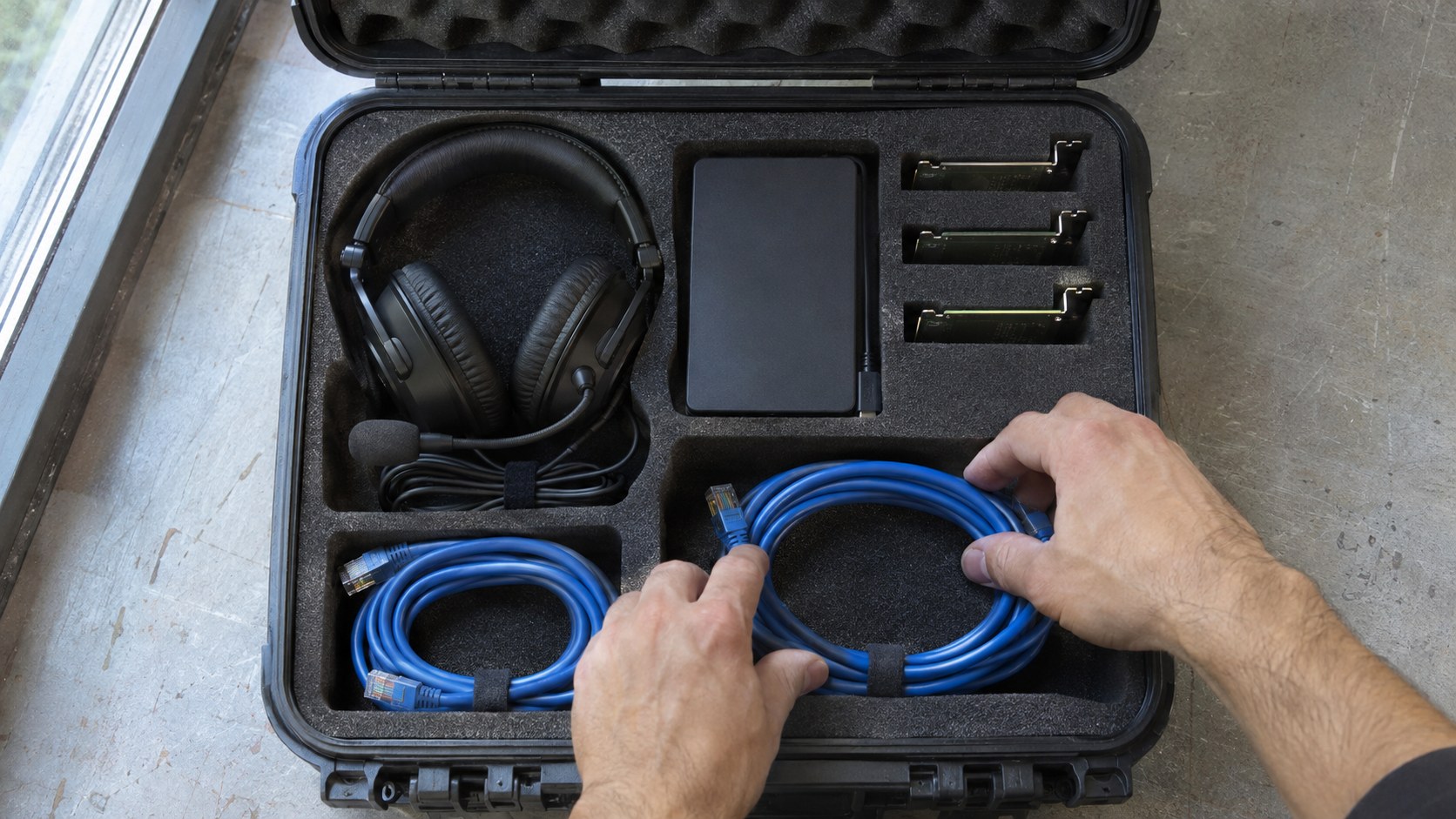
Bring the production plan to the audience platform
Once the production route is workable, test its destination as an audience member. The next useful result is the proposed mixed programme playing with intelligible sound and picture on a viewer’s device. A successful contribution call or a supported streaming technology does not establish that result.
Take the signal map, layouts and recovery arrangement into the destination discussion. Request a private demonstration of the proposed programme input, then join through the intended audience access route. Check picture, intended voices and absence of private cues. Record unresolved launch blockers; an unrelated sample broadcast does not establish acceptance of your show.
If the destination itself is still being planned, how to create a live streaming website explains the audience-facing decisions that sit beyond the mixer. Keep that work connected to this test: the production team needs a place viewers can actually enter and watch, while the platform team needs a defined programme to deliver.
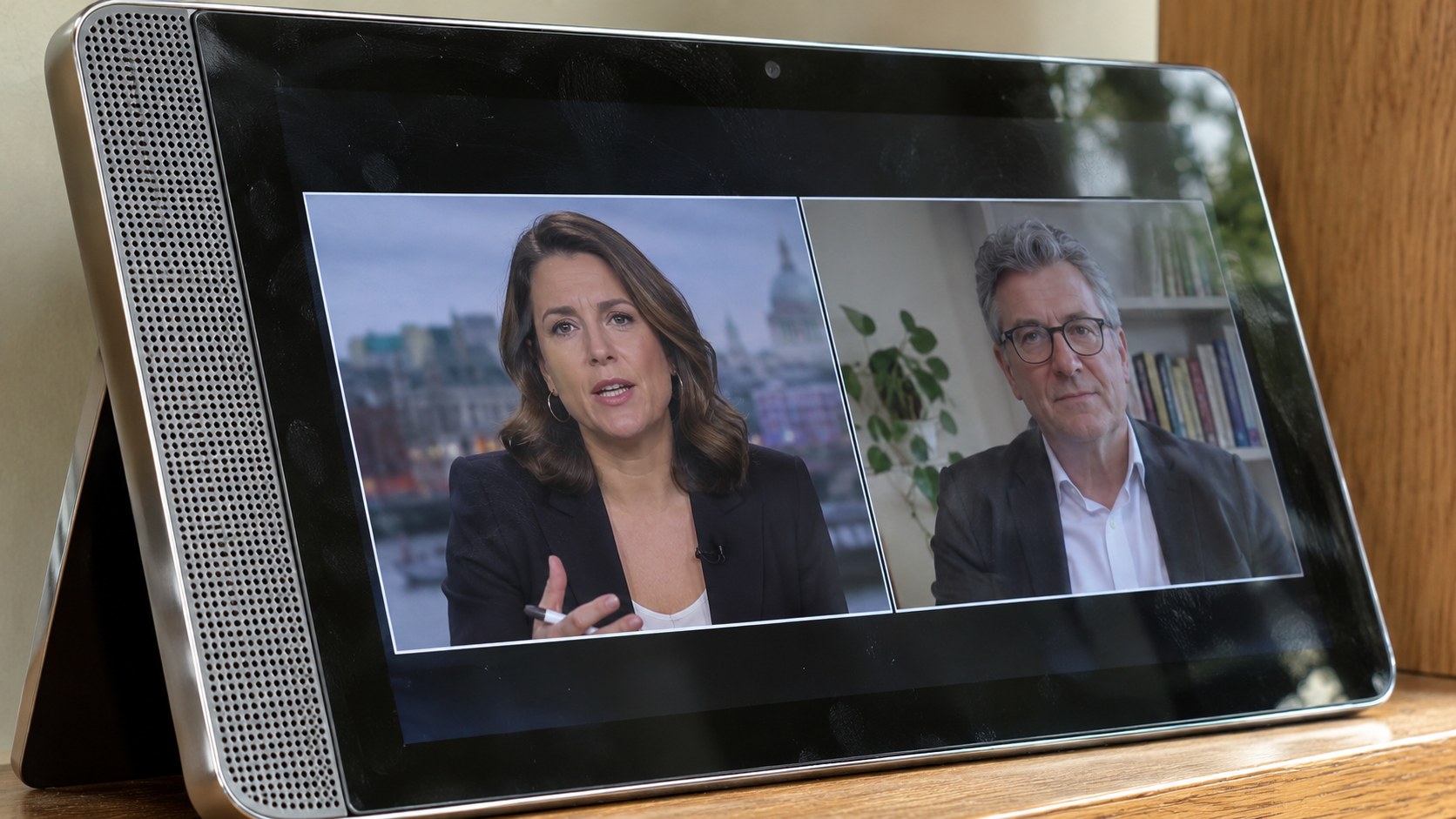
Give the platform demonstration a concrete acceptance task
Scrile Stream provides a branded audience platform with group broadcasts, private sessions and customization support. Bring your signal map to a demonstration request: show the proposed mixed programme reaching an audience device with clear picture and sound. Advance that connection after it is demonstrated; platform features alone do not establish vMix integration, production talkback or control-room failover.
Frequently asked questions
Does a remote host count toward the vMix Call guest limit?
Yes. Count every simultaneous remote Call contributor, including the host, when selecting the edition.
Does mix-minus eliminate every cause of echo?
No. It removes the guest’s own microphone from the electronic return. Headphones also prevent speaker sound entering the microphone.
Can an expert join a vMix Call from an iPhone?
Yes, using Safari. Test the intended phone, microphone, headphones and connection before programme entry.
Is smooth video proof that remote speakers can converse comfortably?
No. Speech and picture alignment within a feed and conversational delay between people need separate checks.
Who should authorize the opening?
The producer authorizes opening after the technical director confirms readiness and the audience and private-audio checks pass.
Should a reconnected guest go straight back on air?
No. Keep the guest off programme while the producer checks speech and return audio, then cues re-entry.
Does a saved vMix bundle provide automatic failover?
No. It prepares a replacement computer; guest reconnection, operator control and audience delivery still require a takeover rehearsal.
Where does Scrile Stream fit in a produced remote show?
It can provide an owned, branded audience platform. Demonstrate the proposed programme input and viewer playback before advancing that connection.