
Quick answer
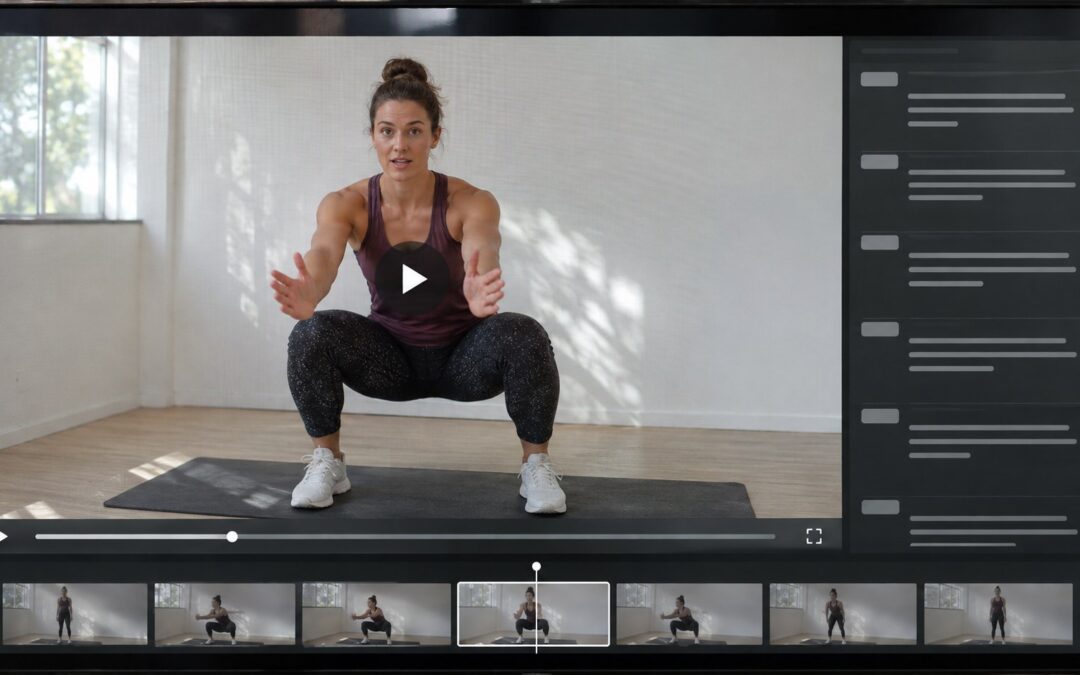
A video content ingestion workflow takes an incoming master through validation, metadata, captions, artwork, permission checks, encoding and playback review. Keep the asset unavailable until a release owner approves the exact version. Scheduling follows approval; publication requires a working viewer journey under the correct restrictions. Start with a manual register, then automate the handoffs that cause measured delays.
Where a video content ingestion workflow earns release approval
The encoder reports success, yet the lesson has no captions and a signed-out visitor can play it. For a file-based video library, separate processing completion from release authorization. The recording is technically available; that does not make it ready for your audience.
Ingestion means the operational path from master to releasable VOD asset. Approved means the exact version passed review; scheduled means it has a release time. Published means the intended viewer can find and play it under the correct restrictions. Name one release owner who can delay publication.
Immediate publication after upload skips a separate content and access decision. A manual register makes that decision explicit when the team can keep its queue current. Integrated processing reduces repeated handoffs as volume grows, while retaining the gates. Compare routes by the same viewer outcome.
The release-gate checklist: master file to controlled publication
Use the following eight gates as a proposed operating checklist. Keep incoming masters separate from viewer delivery, and leave unfinished assets unavailable. A deadline can change the publishing commitment; it cannot turn a failed condition into a pass.
Create a release register for each source version using the table's six fields. Record the actual checker, evidence and check time; roles may overlap in a small team. Every required gate must pass before scheduling. A failed row becomes the exception queue entry, with one resolution owner, next action and due time.
| Gate / checker | Observable pass condition | Version evidence | Result | Resolution owner | Next action / due time |
|---|---|---|---|---|---|
| Receive / intake checker | Complete master and supporting package accounted for | Completed upload and package inventory | Pass or hold | Submitter | Supply missing item before validation |
| Validate / technical checker | Actual streams, duration, image shape and audio accepted; no detected damage | Source inspection and decode results | Pass or hold | Technical owner | Return damaged master before encoding |
| Editorial / content reviewer | Correct metadata, approved artwork and usable promised captions | Approved assets and caption playback notes | Pass or hold | Content owner | Correct mismatches before playback approval |
| Rights / rights checker | Permission scope recorded and enforceable | Restricted permission reference and release terms | Pass or hold | Rights owner | Resolve unclear scope before scheduling |
| Encoding / technical checker | Required outputs match the approved source | Processing reference and output inventory | Pass or hold | Processing owner | Repair missing or wrong outputs before QC |
| Playback / reviewer | Required devices and viewer functions pass | Device, browser, network and playback results | Pass or hold | Content or delivery owner | Fix failed experience before release |
| Release / release owner | All required gates and access tests pass | Version approval and allowed/denied test results | Pass or hold | Release owner | Schedule approved version only after passing |
| Maintain / release checker | Release verified; expiry or withdrawal blocks viewing | Listing and playback-route test results | Pass or hold | Delivery owner | Check at launch and expiry; contain surviving access immediately |
At receipt, match the complete master to its submitter, expected duration, title, language, audience and requested release time. Account for captions, artwork and permission evidence. Record upload completion; compare a supplied checksum, a file fingerprint, when available. Request missing items before clearing intake.
Inspect actual video and audio streams, resolution, frame rate, duration and image shape against the encoder's accepted inputs. Decode or inspect for truncation and corruption; confirm intended audio and synchronization. A filename extension is insufficient. Return damaged sources to the submitter instead of repeatedly encoding them.
Check meaning as well as presence: match title, description, creator, category and language to the lesson. Approve its poster and thumbnail. Select each promised caption track in playback and check wording and synchronization against this version. An uploaded caption file may still be unattached or unusable. Record permitted omissions explicitly.
The rights owner translates permission into permitted use, countries, audience and timezone-specific start and end times. Keep sensitive evidence out of public metadata; collect it where approved platform policy requires it. Uploading establishes no permission. Under this proposed policy, unclear authority stays on hold. If delivery cannot enforce a required restriction, hold or obtain approval for an enforceable scope.
Submit the approved source version with its required outputs, then match the returned media to both. A success message with a missing rendition or outputs from an earlier edit fails this gate. Preserve version continuity so a replacement cannot inherit approval earned by different media.
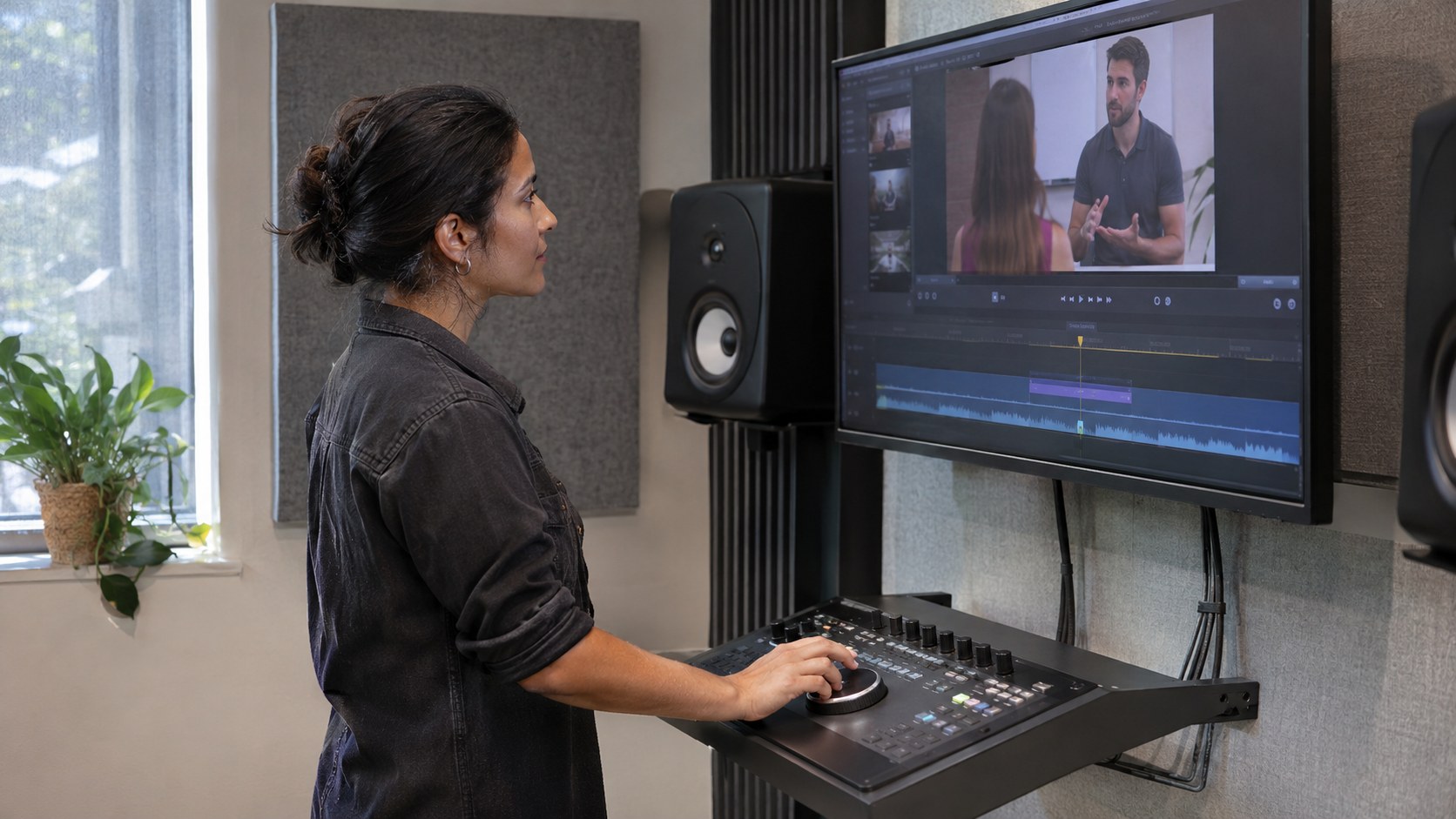
Test discovery, title, artwork, sign-in, start, seek, end, audio, image shape, captions, fullscreen and readable instructional text. Use supported real devices and a constrained network to check usable renditions. Watch the complete initial sample; document later sampling and its narrower assurance. For failures in player integration, video player SDK selection explains the adjacent decision.
Test an allowed viewer, a signed-out visitor, an account without access and a denied territory. Controlled test locations and a short test window demonstrate territorial and timing behavior. Approve only the tested version. At launch, verify discovery and playback again; at expiry, test denial through the saved playback route.

Work one recording through the gates and size the review queue
Use an illustrative coaching platform receiving 12 recordings daily. A representative 40-minute lesson has permission for UK subscribers from 09:00 UTC on 20 November 2026 until 09:00 UTC on 20 December 2026, with English captions and approved artwork. These are scenario assumptions, not service benchmarks.
The operator wants to publish when encoding finishes, but the checklist catches missing English captions. The content reviewer obtains, attaches and reviews them against the final lesson. Complete initial playback review passes on the supported desktop browser and real iOS and Android phones. Then the staged subscriber page plays for a signed-out visitor. Correct media still fails release.
The delivery owner fixes access. Retesting proves that an entitled UK subscriber can watch while signed-out, non-entitled and denied-territory sessions cannot. A window rehearsal passes, then the owner approves scheduling. Proposed listing copy: Available to UK subscribers from 09:00 UTC on 20 November 2026 until 09:00 UTC on 20 December 2026. English captions included. At launch, confirm the listing, authorized viewing and denied access again.
Assume five intake minutes, 20 playback and caption review minutes, and five release administration minutes per recording, with 300 productive reviewer minutes daily. These planning inputs exclude recovery time. The representative lesson receives a complete review; its duration does not define the average allowance across the daily mix.
| Review arrangement | Work per recording | Work for 12 recordings | Available minutes | Capacity / remaining queue |
|---|---|---|---|---|
| Current manual review | 30 minutes | 360 minutes | 300 | 10 recordings / 2 left daily |
| All intake review automated | 25 minutes | 300 minutes | 300 | 12 recordings / no recovery allowance |
Review demand is arrivals multiplied by measured hands-on minutes per recording; capacity is available minutes divided by minutes per recording. The operator reduces scheduled intake to 10 while arranging more review capacity. Adding 60 reviewer minutes closes the original gap without recovery margin. Eliminating all intake work also only reaches balance. Faster encoding cannot clear assets already waiting for reviewers.
- Assign intake, content, technical, rights and release ownership. Create the register and document the supported devices and required audience restrictions before the first production submission.
- Run a representative master through every gate with publication disabled. Deliberately omit a required caption or use a damaged test source; confirm an owned hold rather than a release.
- Correct the blocked condition and repeat affected checks. Rehearse allowed and denied access, scheduled release and expiry with a harmless test asset and a saved playback link.
- During the first operating week, record arrivals, completions, reviewer minutes, time waiting by stage and oldest holds. Adjust commitments to the measured constraint before automating that stage.
For batches, AWS's Guidance for Video on Demand on AWS provides source inspection, coordinated encoding and output validation. In source-plus-metadata mode, finish the source upload before uploading the triggering metadata. Feed outputs into review. Its default public delivery arrangement does not prove restricted access; demonstrate controlled delivery separately. A small library can use existing tools and the same manual gates.
A completed live recording enters as a separate replay. Confirm replay permission, final edits, audience and window rather than inheriting live approval. Review captions against the edited timeline and approve artwork. Incomplete recordings stay on hold. Improve processing when source variety or encoding failures cause delay; integrate handoffs when ownership becomes unreliable.

Keep exceptions owned through correction, expiry and withdrawal
Use failed checklist rows as the exception queue. Keep the failed condition, source version and evidence together with one resolution owner, the next action and its due time. Close a hold only when its condition has been corrected and retested; a reassuring message from the submitter is not the test.
Return damaged masters to submitters. Send missing captions and wrong metadata or artwork to the content owner for correction and review. Processing owners repair mismatched outputs; rights owners resolve permission; content or delivery owners fix failed playback and access. Record whether the hold delays a schedule or requires containing an existing release.
As a proposed starting policy, allow one automatic retry for a transient processing failure against the same version, then require diagnosis. Never retry missing permission into approval. Repeated completion messages must refer to the existing version rather than create another release. Two success messages should still produce one lesson.
A corrected master repeats validation, encoding and affected editorial and playback checks. A cut can shift captions; a new opening can invalidate artwork. Preserve old approval for the old version and reapprove the replacement. Metadata-only corrections need affected meaning and discovery checks, rather than a fictional media change.
At the illustrative lesson's expiry, the listing no longer offers it and the saved link denies playback. Both routes pass. If a link still plays, the delivery owner contains and retests it; the exception stays open until denial is verified. Hiding a collection card alone does not withdraw the underlying video.
For an urgent permission complaint, withdraw discovery and viewing access while the rights owner investigates. Test the page, old embed and saved playback route. Revoke delivery access and clear cached media where supported; escalate surviving routes. Record limits on stopping existing sessions and downloaded copies rather than promising complete recall.
Assign withdrawal authority and rehearse before launch. For custom work, choosing a video streaming app development company means naming who will implement the failed control, demonstrate its test and support it after release. Bring the failed row and observed behavior; a general request for security is harder to finish.
Bring one proven release case to Scrile Stream
A platform conversation becomes useful when you can show the release condition, its failure and the result that would resolve it. Bring the representative lesson's checklist alongside actual daily volume, typical duration, required languages and supported devices. That turns a feature discussion into an acceptance discussion.
For businesses also needing branded live video, private or group sessions, paid access and premium content galleries, customization may connect those needs with this workflow. Request a demonstration and written standard-versus-custom scope, with an owner and test for each remaining gate. Gallery features alone do not establish end-to-end VOD ingestion.
Run one representative master with publication disabled and deliberately block a required condition. Keep the failed row, correction and retest result. Bring that release case to the consultation inquiry below so the implementation can be assessed against an observable outcome.
Ask for a demonstrated release path
Scrile Stream offers branded live video, private and group sessions, paid access, premium content galleries and custom development. Through its product page, request a consultation with your representative checklist: demonstrate the standard support for each gate and scope the remaining ingestion, scheduling, access and withdrawal work. Ask for a written standard-versus-custom scope and acceptance tests before treating it as your VOD operating solution.
Frequently asked questions
Does uploading a video mean it is published?
No. Uploading receives the source. Publication is confirmed when the intended viewer can find and play the approved version under the correct restrictions.
What belongs in the video submission package?
Include the complete master, expected duration, title, description, creator, category, language, captions, artwork and permission reference, plus intended audience and availability window.
Is populated metadata enough to approve a release?
No. Check that the values describe the actual video. A title, language or category can be present and still be wrong.
How should captions be accepted?
Confirm the promised track is attached and selectable, then review its language, content and synchronization against the exact video version.
What proves playback works on phones?
Recorded tests on the real supported phones, using the intended player and access conditions. A resized desktop preview does not establish the same result.
What changes when a live recording becomes a replay?
Treat the completed replay as a separate asset. Review replay permission, the final edit, captions, artwork, audience and availability before release.
How should failed encoding be retried?
Under the proposed policy, retry a transient failure once against the same source version, then require diagnosis. Return damaged sources for replacement instead.
What completes a video withdrawal?
Verify that discovery and relevant playback routes no longer provide viewing access, including old embeds and saved links. Record any limits affecting existing sessions or downloaded copies.