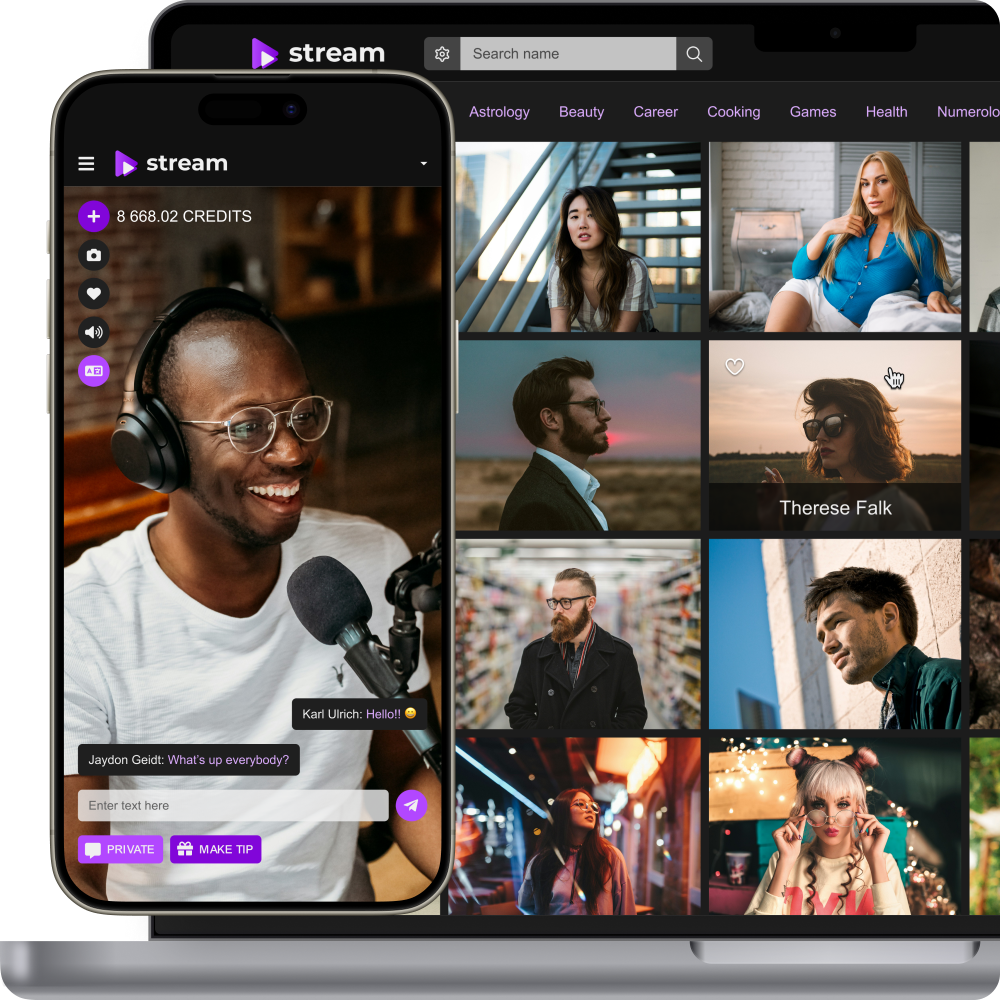
Add Live Streaming to Website
How to Add Live Streaming to Your Website
Add branded live video to an existing website without rebuilding your product from scratch. Scrile Stream can provide the live video foundation, user access, monetization, administration, and custom integration work needed to fit streaming into your current business.
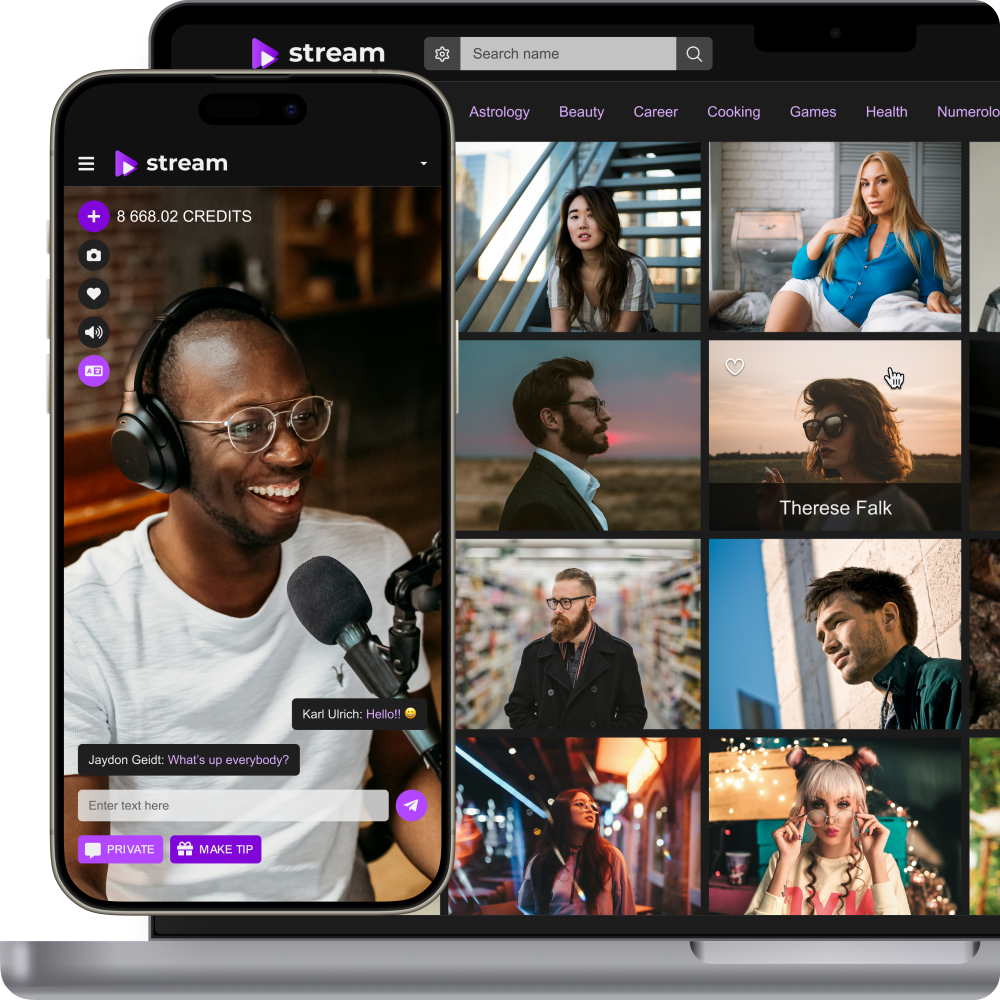
Add live video without giving up your existing product
If your website already has users, content, payments, or a working customer journey, launching a separate streaming service can create unnecessary friction. Integrating live video into the product you already operate lets you add real-time interaction while preserving your brand, audience, and business logic.
Keep users inside your existing website
Add live broadcasts or video sessions to the product your audience already knows instead of sending users to a third-party streaming marketplace.
Build around your current user flow
Connect video access with the accounts, roles, permissions, subscriptions, or paid journeys already used by your website.
Add monetization around live interaction
Use paid access, pay-per-minute sessions, tips, premium content, or other monetization mechanics when they fit your business model and selected Scrile Stream configuration.
Choose an integration approach around your current product
The right implementation depends on how deeply live video must connect with your website. The project can range from a dedicated branded streaming section to a more tightly integrated video experience connected with existing users, payments, and permissions.
Branded live streaming section
Add a dedicated live area within the existing website, using the same branding and navigation while keeping the streaming experience focused and easier to implement.
Integrated video module
Place live video inside the customer journey where it creates value — for example inside a creator profile, consultation page, member area, event page, or premium content section.
Custom integration layer
Connect Scrile Stream with the website’s existing accounts, access rules, payments, or backend logic when the project requires a deeper technical integration.
Add the live video format that matches your business
Live video can support very different customer journeys.
Public or audience-based live streams
Create live broadcasts for communities, customers, members, event attendees, or other defined audiences. Access can be open or restricted depending on the project setup.
Private one-to-one video sessions
Add direct video communication between a customer and a creator, expert, consultant, tutor, coach, or another provider when your product needs personal interaction.
Group video or interactive sessions
Build multi-user live experiences for classes, workshops, group consultations, community events, or other formats supported by the selected configuration.
Live chat and real-time interaction
Add communication around the video experience using the interaction tools available in Scrile Stream and extend them with custom functionality when needed.
Mobile-friendly access
Keep the experience usable across modern desktop and mobile browsers so viewers do not need to leave your website to participate.
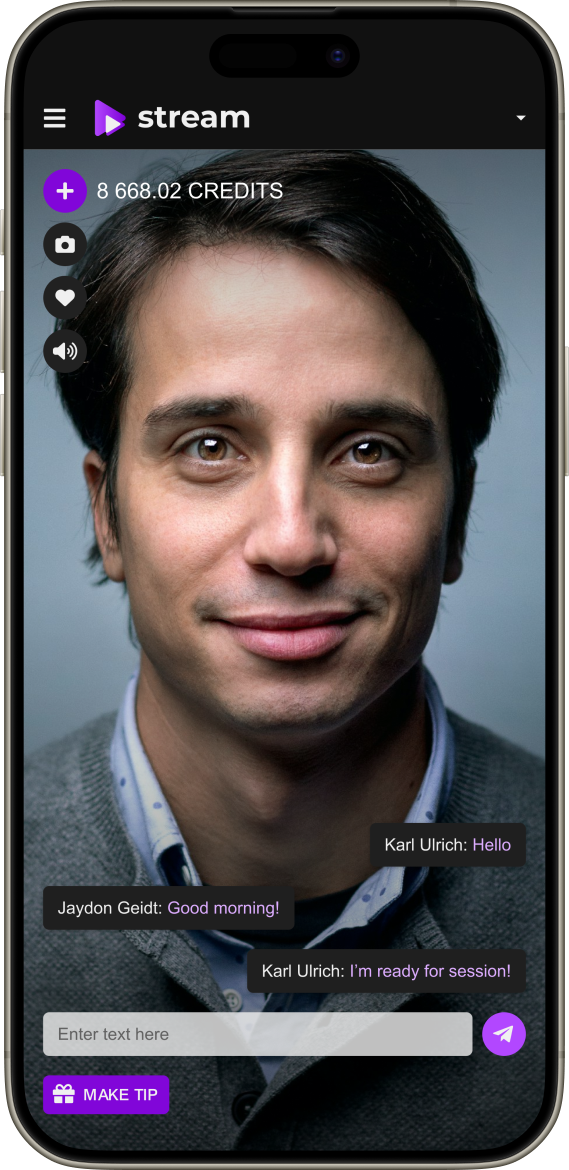
Make live video part of your existing account system
For most established websites, the main integration challenge is not the player itself. The useful result is a video experience that understands who the user is, what they can access, and how that access connects with the rest of the product.
User authentication
Connect streaming access with registered users or another approved account flow. If single sign-on or token-based authentication is required, define it as part of technical discovery.
Roles and permissions
Map the experience around viewers, hosts, providers, moderators, members, or other roles required by the business.
Private and paid access
Restrict broadcasts or sessions to users who meet the required permission, purchase, membership, or project-specific access condition.
Existing business logic
Integrate video availability, session start, entitlement, pricing, or other workflows with the current backend where the product requires them to stay synchronized.
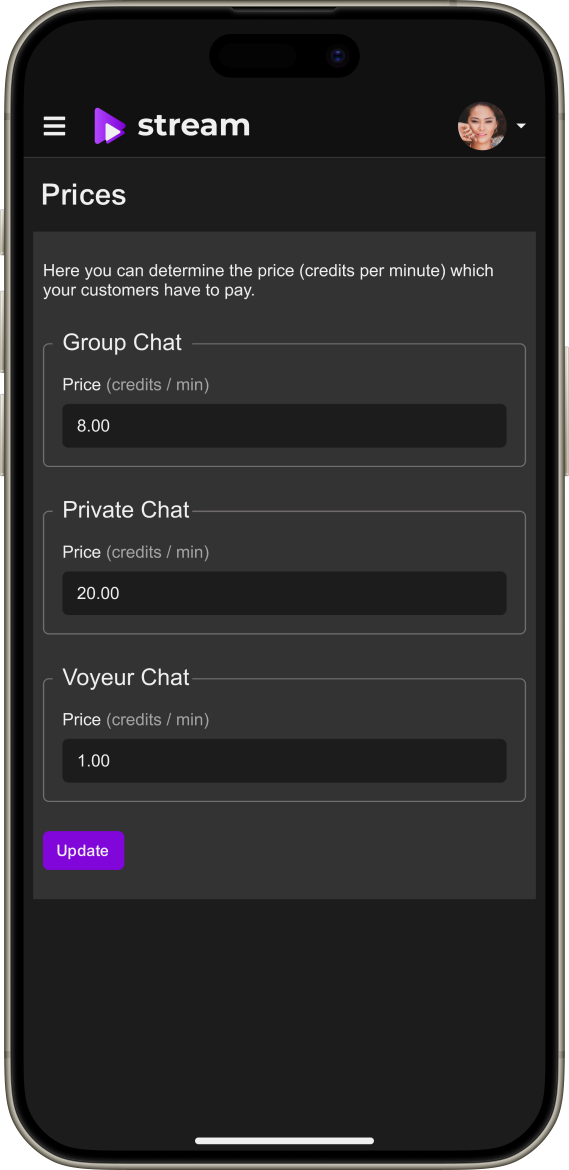
Turn live video into a revenue-generating part of your website
If the website already has an audience or paid product, live video can become another monetized customer journey instead of a separate acquisition channel.
Pay-per-minute video
Charge for the duration of private one-to-one sessions when customers are paying for direct access to a provider’s time or attention.
Prepaid or paid live access
Sell access to a specific event or premium broadcast when a one-time purchase fits the content format.
Tips and audience support
Enable direct support during live interaction where tipping is relevant to the selected Scrile Stream setup.
Premium content around live sessions
Combine live interaction with paid media or additional premium content when that supports the wider product model.
Make streaming feel native to your website
The live video experience should look like part of the product, not an external service inserted into it. Scrile Stream is a white-label foundation that can be adapted around the website’s interface and customer journey.
Use your existing domain and visual identity
Keep the customer-facing experience aligned with your domain, logo, colors, navigation, typography, and product positioning.
Match the existing page structure
Design live video screens around the current website UX instead of forcing users into a separate generic streaming interface.
Adapt the workflow to your niche
Place video where it is useful for your product — inside profiles, events, member areas, consultations, creator pages, or another relevant flow.
Extend with custom development
Add project-specific roles, payments, reporting, integrations, moderation, or other modules when they go beyond the standard platform setup.
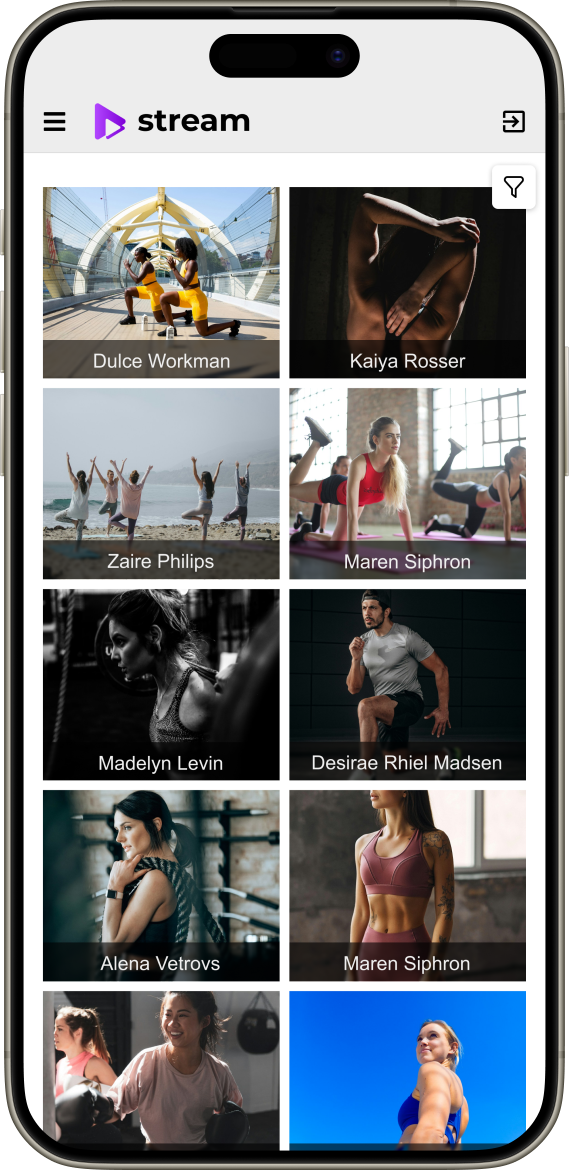
How to add live streaming to your website with Scrile Stream
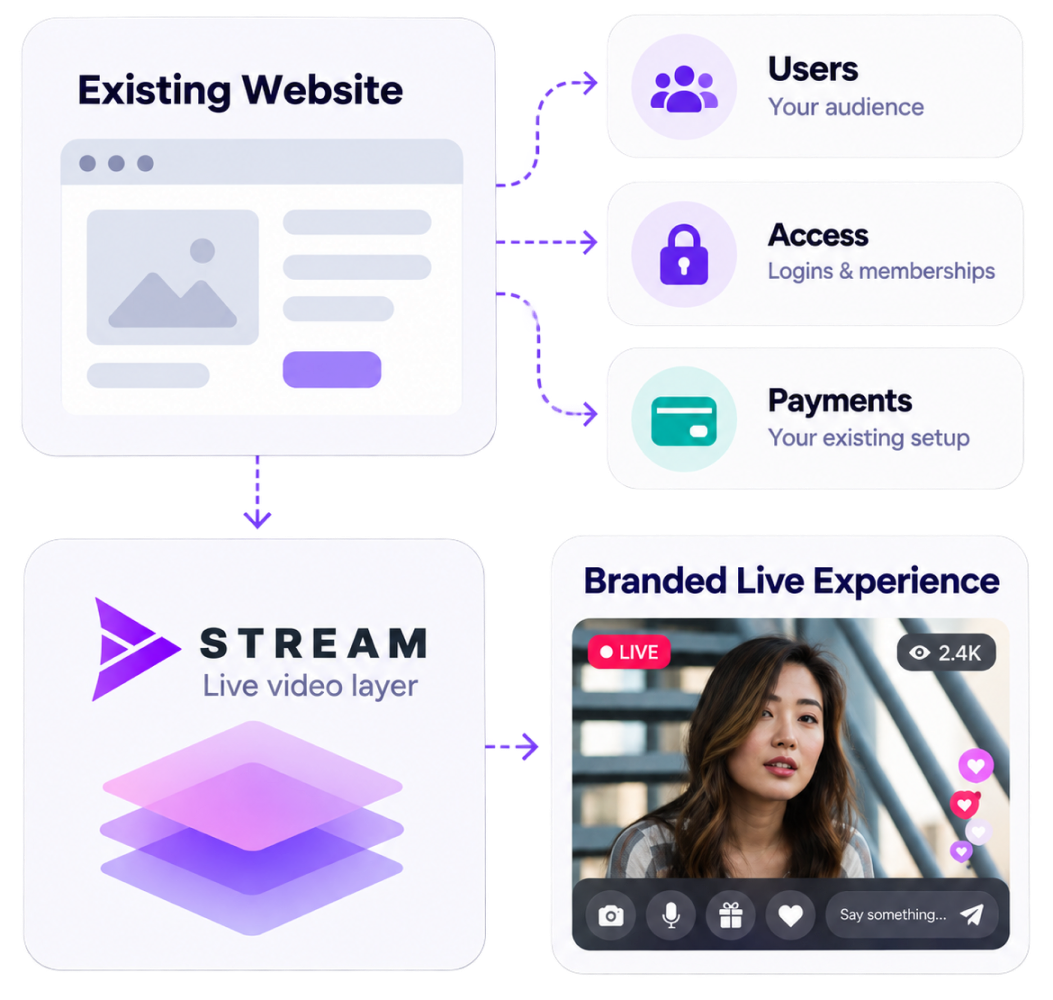
Start by mapping the existing product and the exact customer journey that should become live. Then choose the least complex integration that still supports the business requirements.
1. Define the live video use case
Identify who streams, who watches, whether interaction is public or private, and what actions users should take before, during, and after the session.
2. Map users, access, and payments
Document the current account system, roles, permissions, billing, memberships, and any existing data that must connect with live video.
3. Choose the integration scope
Define whether the project needs a branded live section, a custom module inside existing pages, or a deeper backend integration.
4. Design and implement the experience
Adapt the interface, connect the required systems, and configure or develop the live video journey around the approved scope.
5. Test and launch
Test stream start, viewer access, permissions, payments, devices, moderation, session end states, and analytics before opening the experience to production users.
Need video chat or API-level integration?
If the primary requirement is embedded one-to-one video chat tied closely to user accounts, call permissions, session state, and paid calls, the narrower Video Chat API for Website solution is a better match.
For one-to-one embedded video chat: Video Chat API for Website
For a technical live-streaming integration discussion: Scrile Stream live streaming API
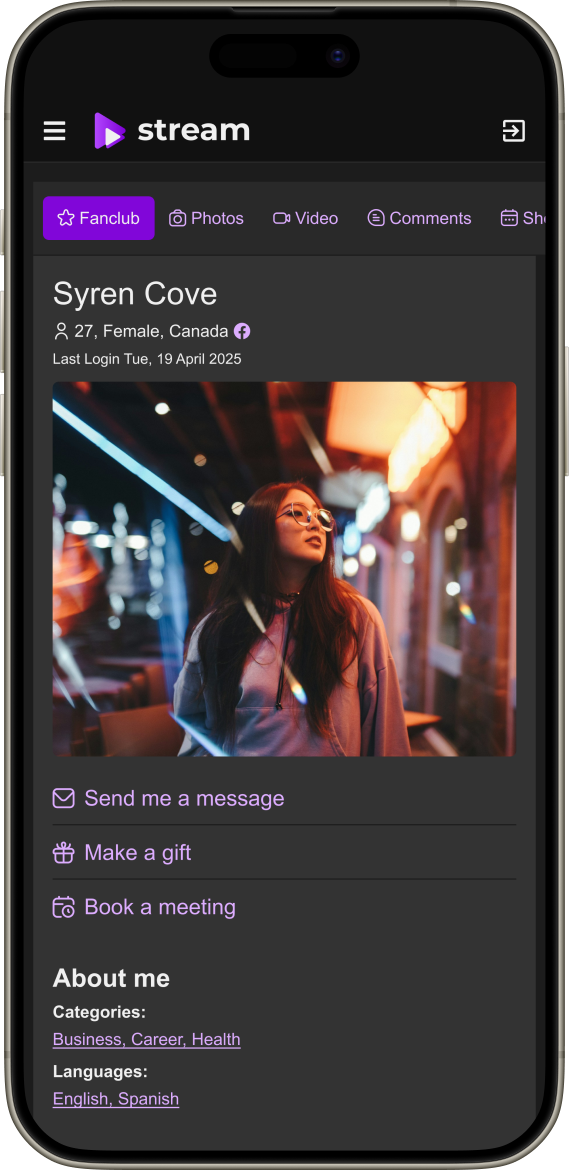
Add live video on top of a proven platform foundation
Live video and monetization in one product
Use an existing foundation for live streaming, private/group video, paid interaction, tips, premium content, payments, and administration instead of assembling unrelated services from scratch.
White-label positioning
Keep the customer-facing experience under your own brand rather than promoting a third-party streaming marketplace.
Custom integration support
Connect the live video layer with existing product logic and build project-specific functionality where configuration alone is not enough.
UX/UI, hosting, and project support
Use Scrile services for interface design, implementation, hosting, testing, launch, and further platform development as required by the project.
Frequently asked questions
Can I add live streaming to an existing website without rebuilding it?
Yes. The project can be scoped around your existing product. The exact approach depends on how deeply video must connect with current accounts, permissions, payments, and interface logic.
Can live streaming use my existing user accounts?
It can be integrated with an existing account and permission model when the required connection is defined during technical discovery. The exact authentication method depends on the current website architecture.
Can I add private one-to-one video calls as well as public streams?
Scrile Stream supports private and group video communication. The final set of modes and how they appear inside your site should be defined for the selected configuration.
Can users pay for live video on my website?
Yes. Scrile Stream supports paid interaction and monetization options such as pay-per-minute access, tips, and other paid scenarios. The exact payment flow and provider availability depend on the project.
Do you provide an embeddable widget?
The integration method should be selected after reviewing your website and required user journey. Depending on the project, Scrile can configure a branded live section or implement a deeper custom integration rather than relying on a generic widget.
Can the live video match my existing design?
Yes. Scrile Stream is a white-label solution and the interface can be adapted around your brand and existing product UX.
How long does integration take?
The timeline depends on the selected video modes, current website architecture, authentication, payments, custom UI, and other integrations. Scrile can define the scope and implementation plan after technical discovery.
Add live streaming to your existing website
Tell us what your website already does, who should be able to stream or watch, and how live video should connect with your users, payments, and current UX. We’ll help you define the right Scrile Stream integration scope and launch plan.