
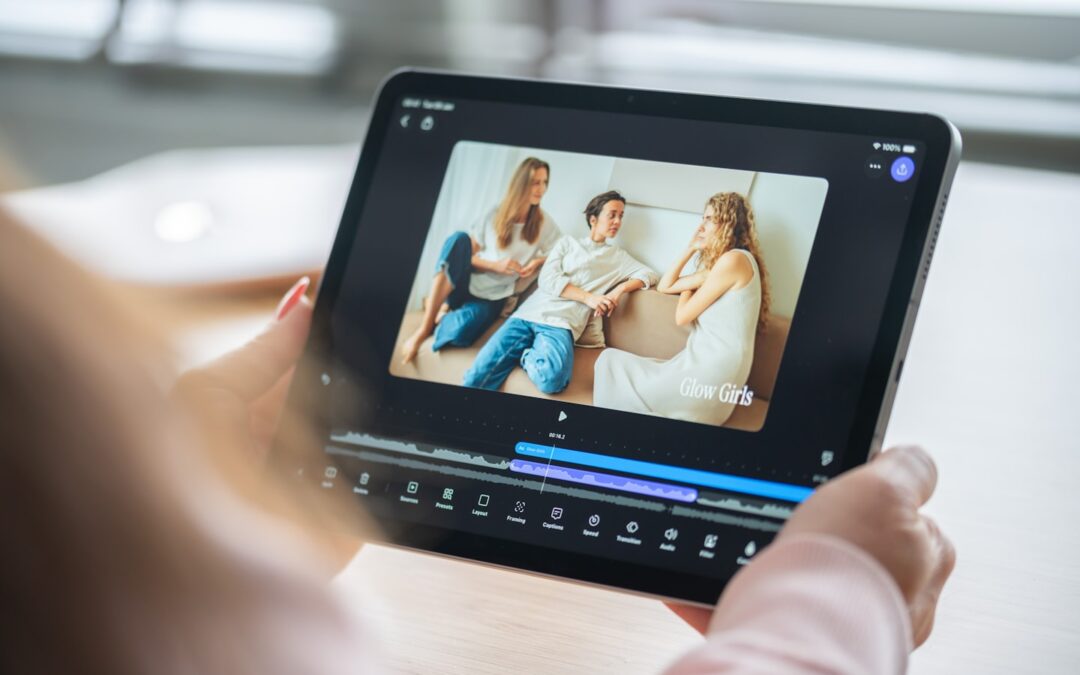
Quick answer
If your live show only needs a branded frame or a decorative effect, AR is usually extra work for little gain. If the stream needs guided attention, audience participation, or a stronger reveal than a normal camera can deliver, augmented reality live streaming can be worth the added setup and latency risk. The real test is not whether the effect looks impressive — it is whether the audience gets enough clarity or interaction to justify the production cost.
For neutral context, this guide cross-checks the topic against Creator economy and Goldman Sachs Research's creator economy outlook. So the recommendation is grounded in external market signals rather than only product claims.
Where augmented reality live streaming is worth the complexity
Augmented reality live streaming works best when the visual layer does useful work instead of sitting on top of the show as decoration. In a launch, demo, or event stream, AR can point attention to the one detail that matters, guide viewers through a sequence, or create a moment that feels tied to the live broadcast instead of pasted onto it. That makes the format more than “a stream with effects”. It becomes a controlled viewing experience.
That distinction matters because the wrong AR setup adds delay, extra cueing, and more chances to miss the moment. A stream that already struggles with timing or team coordination should not start with a complex graphics stack. If the use case is a simple talk show, a teaching stream, or a low-budget creator session, AR often gives you more work than audience payoff.
Brand launch with a live product reveal
At a launch event, the first 30 seconds are expensive. The audience is deciding whether to stay, skim, or click away, and a static speaker frame rarely does enough to hold them. AR makes sense when it helps the product read better on screen: labels, callouts, countdowns, comparisons, or a reveal that makes one feature impossible to miss.
That payoff only exists if the production stays simple. A launch team can easily spend 3-6 extra prep hours on assets, cueing, and sync checks for a stream that lasts 20-40 minutes. If the graphics require multiple handoffs, the stream can look polished and still fail the basic test: did the reveal help the viewer understand the product faster?
The strongest version is usually one AR layer tied to one moment in the run-of-show. That keeps the host speaking to people instead of to graphics and leaves room for the product to stay the center of the frame.
Event activation with audience participation
Event streams have one advantage over pre-recorded video: viewers can respond while the show is still unfolding. AR is useful when it gives them something to do, not just something to look at. Polls, live scoreboard overlays, reaction prompts, or on-screen choices can turn a broadcast into a shared moment instead of a one-way feed.
Timing is the weak point. If the prompt lands 2-5 seconds late, the interaction starts to feel fake. That is why live AR depends on the transport path as much as the graphics layer, and why a low-latency live streaming guide is part of the production decision, not a separate technical note.
On a clean setup, one person owns the AR layer and one person watches the audience response. When those roles collapse into one, the host starts talking to the screen instead of to the people watching. That is the moment the stream feels overmanaged.
Interactive demo with guided attention
A demo is often the best place for augmented reality live streaming because the viewer needs help noticing the right detail fast. AR can point, isolate, magnify, or annotate a feature without forcing the host to explain the same thing twice. Used well, it reduces confusion instead of adding spectacle.
This is also the easiest place to overbuild. A full interactive experience can take 2-4 weeks to shape properly, while a simple overlay version may be ready in days. That gap is not just about budget. It decides whether the team ships a usable demo or spends the whole cycle chasing one more effect.
For product-led streams, the best AR layer is often the smallest one that solves the viewing problem. It frames the product and keeps the explanation moving.
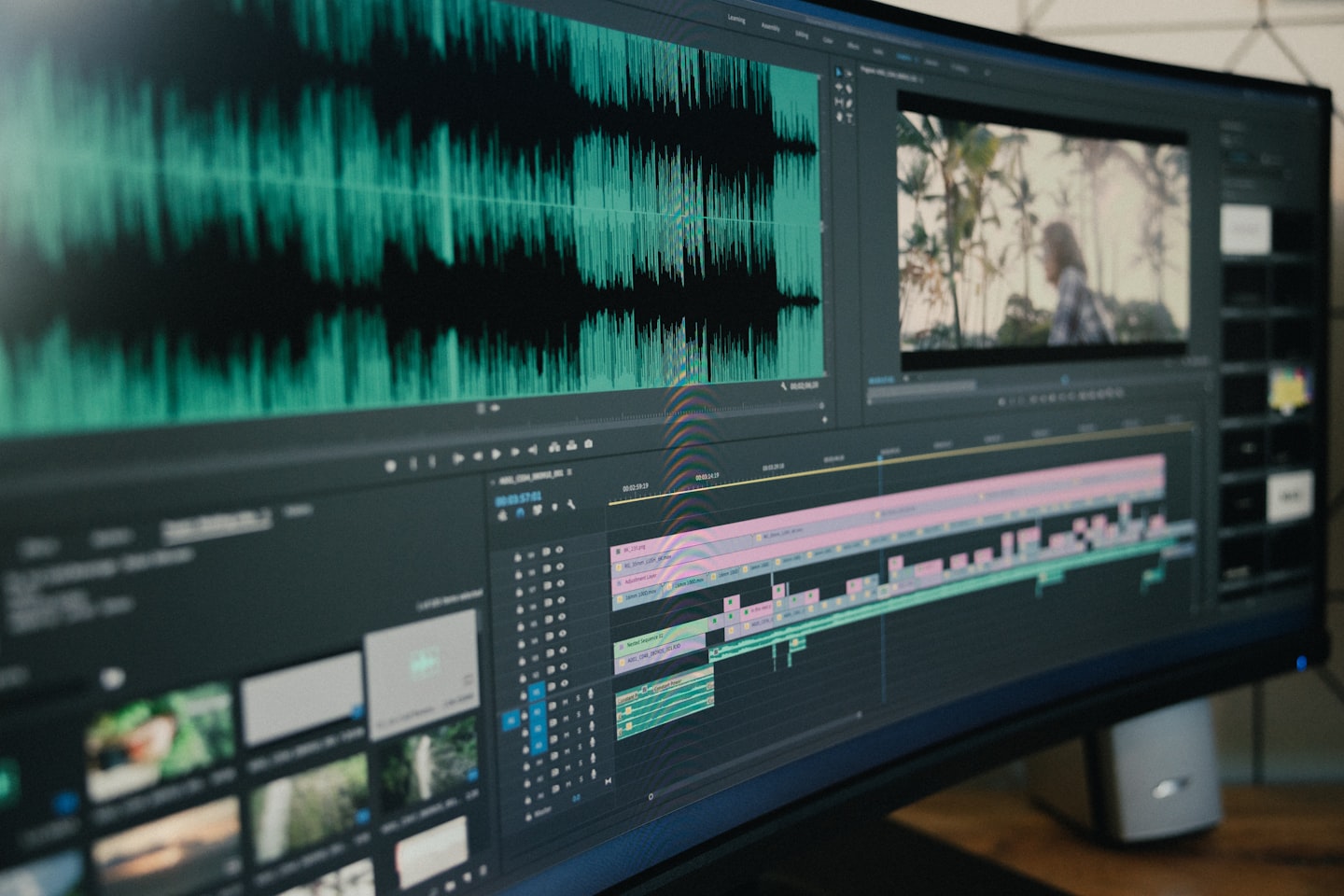
| Scenario | What AR adds | Where it fails | Complexity signal |
|---|---|---|---|
| Brand launch | Controlled reveal, labels, comparisons | Too many cues, weak host flow | One overlay operator, one live moment |
| Event activation | Audience prompts, scoreboard, reactions | Latency breaks participation | Interaction depends on timing |
| Interactive demo | Focus, zoom, callouts, step guidance | Clutter hides the product | Demo needs visual prioritization |
| Simple talk stream | Little beyond decoration | AR adds cost without payoff | No clear viewer action |
On the tooling side, the live-stream market splits into lightweight overlay tools, interactive stacks, and fuller production platforms. Teams that only need a visual accent usually stay in the lightweight layer. Teams that need interaction, moderation, and monetization tend to move toward a broader stack, because the AR layer is only one part of the workflow. That separation is also what makes comparison pages like Live Streaming Without Delay and OBS vs Streamlabs useful: they help you see whether the base setup can carry AR at all.
Where augmented reality live streaming breaks first
The biggest mistake is treating AR like a visual add-on instead of an operating choice. In live production, failure usually shows up before the audience has time to forget it: the stream is late, the host is waiting on cues, or the overlay is too busy to help. When that happens, the graphics do not just fail to impress — they start fighting the show.
Low-budget streams with weak visual payoff
If the stream is mostly one person talking to camera, AR often adds little. A clean frame, decent audio, and one strong visual anchor usually beat a crowded overlay package. That is especially true for small teams, where every extra graphic cue means more rehearsal and more things that can break on the day.
The numbers get blunt fast. On a modest live show, 2-3 hours of setup can turn into 6-8 hours once AR assets, sync checks, and fallback tests are included. If the viewer outcome does not change, that extra work is dead weight. Small creators and lean brand teams should be strict about that trade.
A plain stream with a sharp script can outperform a visually clever one. That is not anti-AR. It is just honest about where the format helps and where it does not.
Latency-sensitive formats
AR gets fragile when the stream depends on immediate response. Live Q&A, real-time reactions, and any format where the host responds to chat in the same moment need lower delay than a normal broadcast. Once graphics arrive out of step, the audience sees the mismatch instantly.
Teams usually find this the hard way. The host reacts to chat, the overlay lands late, and the show feels disconnected even if the content is good. That is why many teams keep a low-latency core underneath the visuals instead of trying to patch delay after the fact.
When timing matters, start with the transport layer before you design the graphics. AR cannot rescue a slow stream.
Overproduced streams that leave no room for the audience
A second failure mode is overcontrol. Every frame has a cue, every moment has a graphic, and the viewer gets no space to react. That can look impressive in a prep room and feel exhausting in a live window.
Live AR should make the audience feel invited in. If the stream gets so busy that the viewer stops noticing what to do next, the visual layer has started hurting the format it was meant to improve.
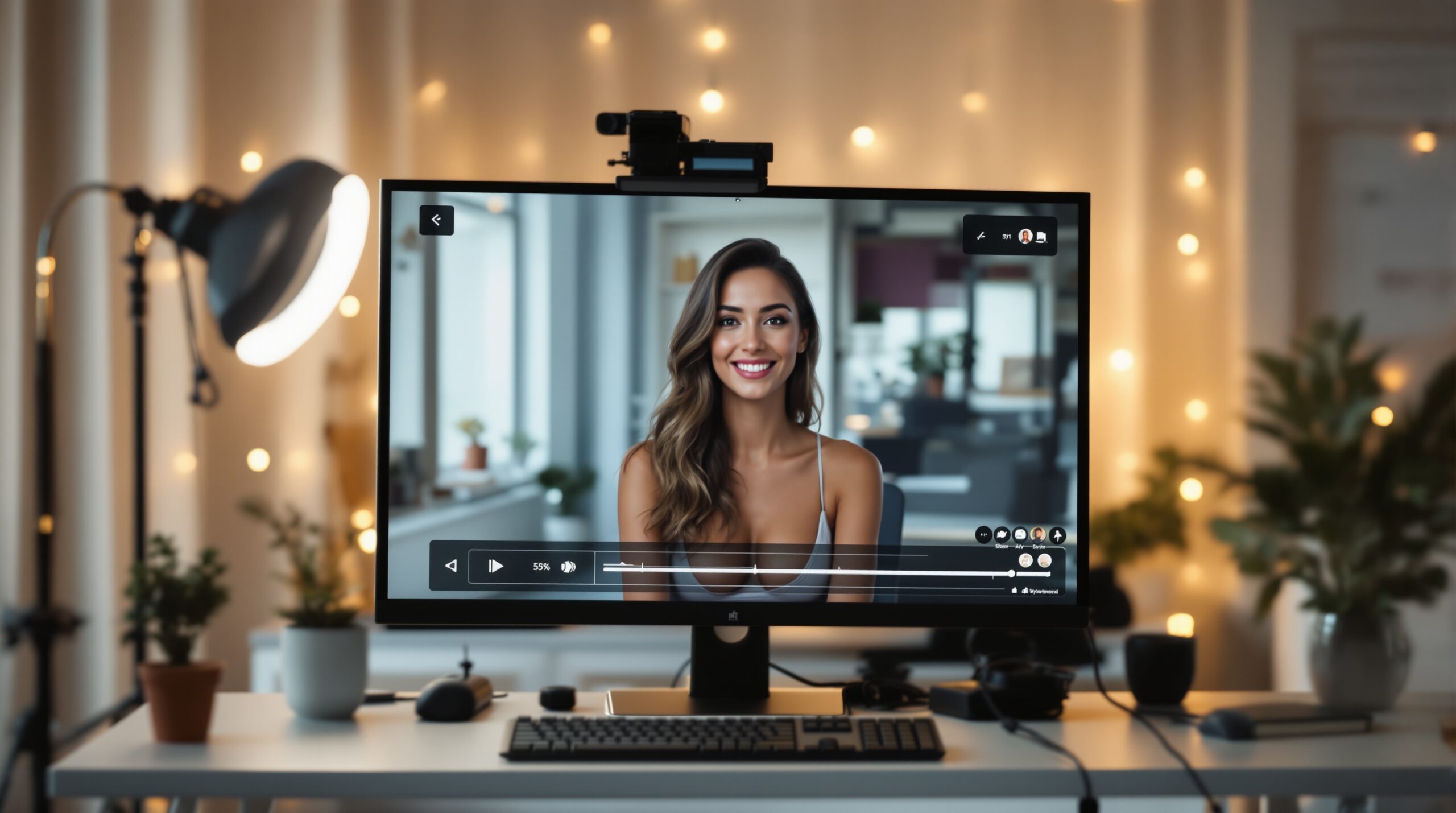
Minimal viable AR versus full production AR
Not every stream needs the same level of build. The safest way to use augmented reality live streaming is to separate the smallest useful version from the version that turns into a full production project. That avoids the common trap where AR is either dismissed outright or treated like a giant launch item.
Overlay-only version
This is the simplest useful step. Think labels, lower-thirds, countdowns, simple callouts, or a branded frame. It can improve readability without changing the broadcast stack, which makes it the right fit for many brand and event streams.
The advantage is speed. A small team can test this in a week instead of a month. If the stream performs better, the team has evidence before it spends money on more complex interaction.
Interactive version
This version adds viewer prompts, polling, live callouts, or audience-driven motion. It works when the audience has something to answer, choose, or reveal. The value is higher, but so is the production risk.
Once the show depends on timing and response, a fallback path becomes mandatory. If the interaction layer fails, the stream still has to make sense without it. That is the line many teams miss when they try to move too fast.
Full production version
Full production AR is for teams building the stream itself as an experience, not just a delivery channel. That usually means dedicated graphics, rehearsed cueing, and a broadcast plan that assumes the visual layer is part of the story. It fits higher-stakes launches, live activations, and premium audience moments.
It is also the most expensive path. If the audience is small, or the stream is mostly informational, the payoff usually does not justify the setup. The bigger the production, the more honest the decision has to be.
Trade-offs: engagement versus complexity
People often ask whether augmented reality live streaming is “worth it.” That question is too vague. The better question is whether the added attention is large enough to justify the extra coordination. Once you ask it that way, the trade-off becomes easier to judge.
Setup burden
Every AR layer creates more moving parts. Someone has to design the assets, test the timing, cue the show, and verify the fallback. On a live schedule, that means more people touching more steps in a shorter window.
A brand team that already needs three or four approvals for a stream can double the number of handoff points once AR enters the plan. That is where shows slow down. Not because the idea is bad, but because the workflow is not ready for it.
Latency risk
The more interactive the stream, the more visible delay becomes. A late overlay is worse than no overlay because it breaks trust in the moment. In live broadcasting, timing is part of the content.
That is why low-latency streaming matters more in AR-heavy formats than in static broadcasts. If the stream is already sensitive to delay, add the graphics only after the transport is stable. The technical stack should support the format, not fight it.
Failure points
Common breakpoints include overlay drift, missed cues, sync mismatch, and a host who cannot keep speaking while the graphics fail. None of those problems are dramatic in isolation. Together, they make the stream feel unstable.
Teams that avoid those failures usually define one person as the live owner of the AR layer. When ownership is fuzzy, the show starts improvising under pressure. That is when viewers notice the seams.
When teams compare streaming stacks, the best choice usually depends less on the visuals than on how much of the live workflow they need in one place. If the stream has to handle timing, chat, and monetization together, the platform decision becomes part of the AR decision. That is why it helps to check the base live setup first, then add the effect layer after, not before.
What to check before you add AR to a live stream
Before adding AR, answer four questions. If any of them are weak, the stream is not ready for complexity. That does not mean “no AR forever.” It means the format needs a smaller first step.
Does the audience get a real payoff?
If the viewer does not gain clarity, excitement, or a clear action, the overlay is decorative. Decorative work is easy to overfund and easy for viewers to ignore. A stream can look “better” and still not work better.
Who owns the live layer?
Someone has to own the graphics during the broadcast. If that role is not named, the host ends up carrying it. The result is visible hesitation, and hesitation kills live energy fast.
Is the network and latency path stable?
AR can hide a lot, but not delay. Check the stream path first, then the graphics path. If the live experience depends on immediate response, the low-latency requirement is not optional. A stream with the wrong timing is the wrong place to build visual complexity on top of it.
What happens when the overlay fails?
Every stream should have a plain fallback. If the show cannot run without the effect, the effect is too central. That is a design error, not a technical one.
For teams still shaping the baseline setup, the sister guide on live streaming without delay is the better next step. It helps you decide whether the transport layer can support AR before you spend time on the visual layer. The right order is simple: make the stream stable first, then add the layer that changes how people watch it.
Build the smallest version that proves the point
Do not start with the full build. A good AR plan begins with a small test that shows whether viewers actually respond, because that is the only reason to keep going. If the pilot does not improve the stream, the bigger version will just be a more expensive failure.
- Pick one stream format and define the one moment where AR should help; you should be able to describe the payoff in one sentence.
- Run a 20-30 minute pilot with one overlay or one interaction cue; if the audience response does not improve, do not scale the effect.
- Assign one person to live cueing and one person to fallback; that cuts avoidable broadcast mistakes before they reach the audience.
- Check delay before graphics; if the stream is more than a couple of seconds behind the moment, fix the transport path first.
For teams that want the platform layer to handle branding, private sessions, live chat, and monetization without stitching every part together manually, Scrile Stream is the commercial fit to look at. It is a white-label live streaming platform with WebRTC or RTMP support, so the broadcast can stay branded while the team keeps control over the timing and session flow that AR-heavy formats depend on. The useful question is not whether the platform looks fancy; it is whether it can keep the show stable when the visual layer gets more demanding.
How Scrile Stream fits AR-heavy live shows
For teams building live shows around interaction rather than one-way video, the real issue is not “can we add AR?” It is whether the platform underneath can support private sessions, live chat, monetization, and low delay without turning every new show into a custom build. That is where Scrile Stream fits naturally: it is a white-label live streaming platform with WebRTC or RTMP support, so the team can keep the broadcast branded while still managing the operational pieces that AR-heavy formats depend on. When a live reveal, paid session, or interactive demo needs timing and control, the platform layer matters as much as the visual layer.
It is not the right answer for every AR use case. If the stream is a one-off marketing stunt with no payment flow, no moderation need, and no future reuse, a lighter production stack may be enough. The better fit is a team that expects repeated live sessions, needs its own domain and brand, and wants to combine interaction with payments or premium access instead of stitching those parts together separately. In that context, the value is less about “adding AR” and more about building a live experience that can keep up with it without constant rework.
Ready to build the setup behind this?
If this is the operating problem you need to solve, use the product page as the next step. It shows where build your setup fits and what the platform covers beyond a single payment widget.
Frequently asked questions
When is augmented reality live streaming not worth it?
It is usually not worth it when the stream is mostly a talking-head format, the audience has no clear action to take, or the team cannot absorb extra setup time. If the visual layer does not change the viewer’s understanding, it is decoration, not value.
What happens if the latency is too high?
Live AR starts to feel disconnected. Prompts land late, reactions miss the moment, and the host looks out of sync with the screen. In interactive formats, that is enough to break trust fast.
How do I know if I only need overlay AR?
If your goal is clarity, branding, or one guided reveal, overlay-only AR is often enough. If the viewer needs to respond, choose, or trigger something in real time, you are already in interactive territory.
What if the audience does not interact?
Then the AR layer should still make the stream easier to read or more memorable. If it does neither, remove it. A passive audience does not justify a complex live graphics layer.
Can a small team run augmented reality live streaming?
Yes, but only with a small scope. One overlay, one cue owner, and one fallback path is realistic. Once the show depends on several moving parts, the team needs rehearsals and a much tighter run-of-show.
When should I move from minimal AR to a fuller production?
Move up only when the smaller version proves that viewers care. If the overlay improves attention, retention, or action, then a fuller build may make sense. Without that signal, more production usually just increases risk.