
If you’re wondering how to start streaming, you need to understand what you’re actually building. Live streaming is real-time video broadcasting combined with live interaction. You’re not just sending video to the internet. You’re talking, reacting, reading chat, and shaping the experience as it happens. That live feedback loop is what makes streaming different from uploading a video.
Platforms like Twitch, YouTube Live, and Kick make the technical side accessible. You can go live in minutes. The problem is that fast access creates sloppy starts. Many new creators rush in without thinking about sound, bitrate, or positioning. Poor audio drives viewers away within seconds. Unstable bitrate causes buffering and pixelation. No clear niche means no reason to stay.
That’s why getting the foundation right matters. If you’re exploring how to get into streaming, treat it like launching a small media project. Your first setup shapes viewer retention. Starting correctly saves months of frustration later.
Tip #1: Pick Your Direction Before You Buy Gear
Most beginners think about cameras and microphones first. That’s backwards. Before spending a dollar, decide what kind of streamer you want to be. Your category shapes everything else, from equipment to income.
Twitch alone attracts millions of daily active viewers, but they’re not watching the same content. Gaming audiences expect smooth gameplay and clean overlays. Just Chatting viewers care more about personality and conversation. Educational streams demand clarity and strong audio. Adult content requires privacy, lighting control, and monetization flexibility. IRL streaming depends heavily on portable setups and stable mobile internet.
Each niche changes technical requirements and revenue potential. Gaming might require a stronger GPU. Education may need screen capture clarity. Adult streaming often depends on direct tipping systems or private sessions. That’s why understanding how to start streaming properly begins with positioning.
If you’re serious about how to become a streamer, think strategically. Ask yourself:
- Who exactly am I streaming for?
- What problem or entertainment am I delivering?
- How crowded is this category?
- What income model fits this audience?
Category choice affects visibility. Some segments are saturated. Others are smaller but more loyal. The wrong decision leads to wasted months.
People searching how to get into streaming often skip this step. Direction first. Gear second.
Tip #2: Build a Starter Setup That Actually Works
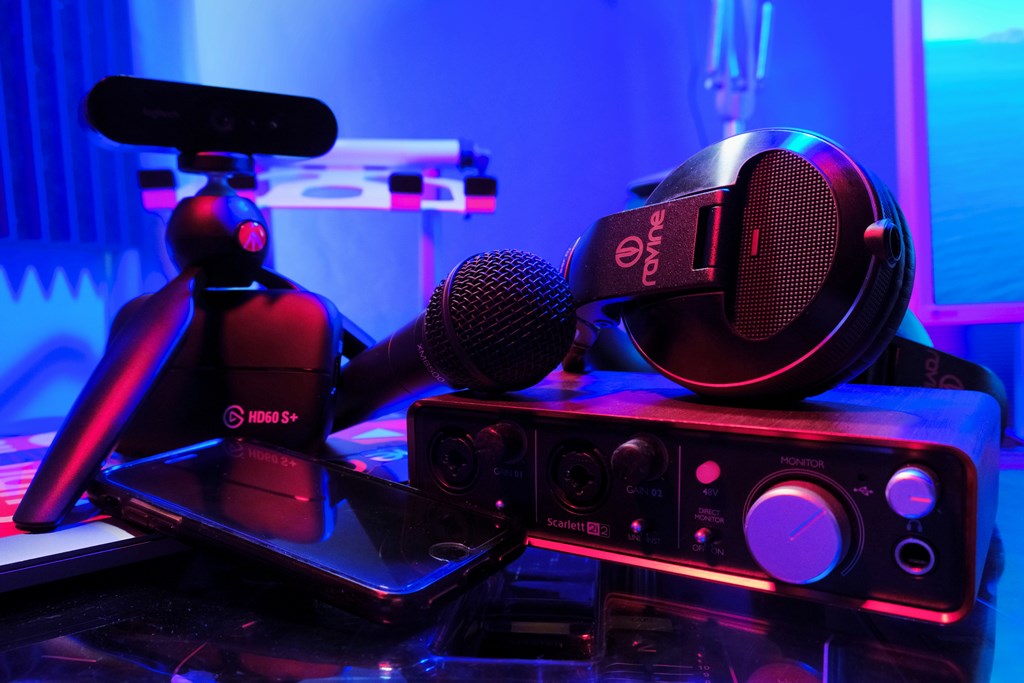
You don’t need a studio to look professional. You need a setup that stays stable for hours and sounds clean every time. Most people fail early because they overspend on the wrong things, then stream with bad audio and a shaky connection. If you’re figuring out how to get started streaming, build a starter kit that covers the basics first, then upgrade based on what viewers actually respond to.
Here’s a practical starter setup with real-world examples:
- Decent mic (USB condenser): Audio is your make-or-break. Options like the Blue Yeti, HyperX QuadCast, Elgato Wave:3, or Audio-Technica AT2020USB+ are common starter picks. Use a simple pop filter and set your mic gain low.
- 1080p webcam or DSLR alternative: A Logitech C922 or Elgato Facecam is plenty for most beginners. If you already own a mirrorless camera, something like a Sony ZV-E10 or Canon EOS M50 Mark II can look great with a cheap capture card.
- Mid-range PC (Intel i5/Ryzen 5 minimum): Think Intel Core i5 (10th gen or newer) or AMD Ryzen 5 (3600/5600). Pair it with 16GB RAM. For gaming streams, a GPU like an RTX 3060-class card helps a lot.
- Internet upload speed: Aim for 10–20 Mbps upload, not “download speed.” Test it at the same time you plan to stream.
- Basic lighting: A ring light works, but even a softbox kit or a single key light like the Elgato Key Light Air can level up your image fast.
For Twitch, typical 1080p60 settings often land around 4500–6000 kbps bitrate, depending on stability and encoding. If your connection struggles, drop to 720p60 and keep the stream smooth.
Budget-wise, a realistic beginner range is $700–$1500 depending on what you already own. Don’t chase perfection. Build reliable, then improve.
Tip #3: Set Up Software the Right Way
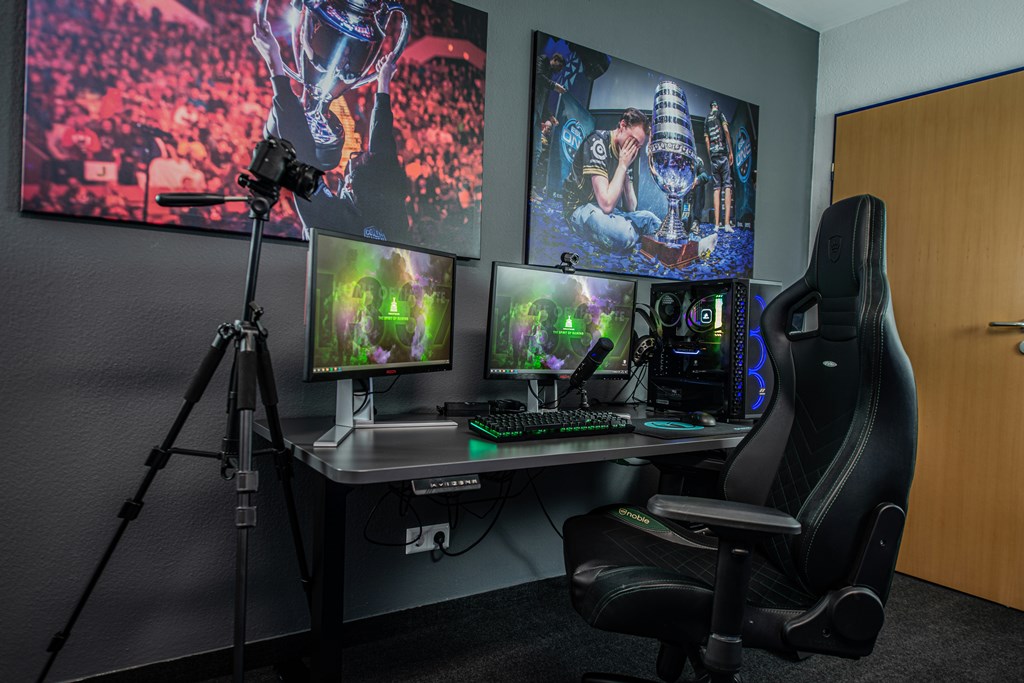
Hardware gets attention. Software decides whether your stream survives longer than ten minutes. Many beginners think installing OBS is enough. It isn’t. If you want to understand how to start streaming properly, you need to control your output settings instead of relying on defaults.
OBS Basics That Matter
Resolution settings:
1080p looks sharp, but it demands stable upload and encoding power. If your PC struggles or your internet fluctuates, 720p60 often looks smoother and more professional than a laggy 1080p stream. Viewers forgive resolution. They don’t forgive buffering.
FPS decisions:
60 FPS is ideal for gaming and fast movement. For talking-head or educational streams, 30 FPS is perfectly fine and reduces strain on your system.
Audio levels:
This is where most new creators fail. Your mic peaks should hit around -6 dB, not redlining at 0 dB. Distorted audio is one of the fastest ways to lose viewers. Many stream tips focus on overlays and alerts, but clean sound matters more than animated graphics.
Scene transitions:
Keep them simple. Two or three scenes are enough: starting soon, live, and ending. Fancy transitions don’t replace good content.
Test streams:
Run private or unlisted streams before going public. Watch the replay. Check audio sync, background noise, bitrate stability.
People asking how to be a streamer often overlook this stage. Software discipline separates hobby attempts from serious channels.
Tip #4: Content Is More Important Than Graphics
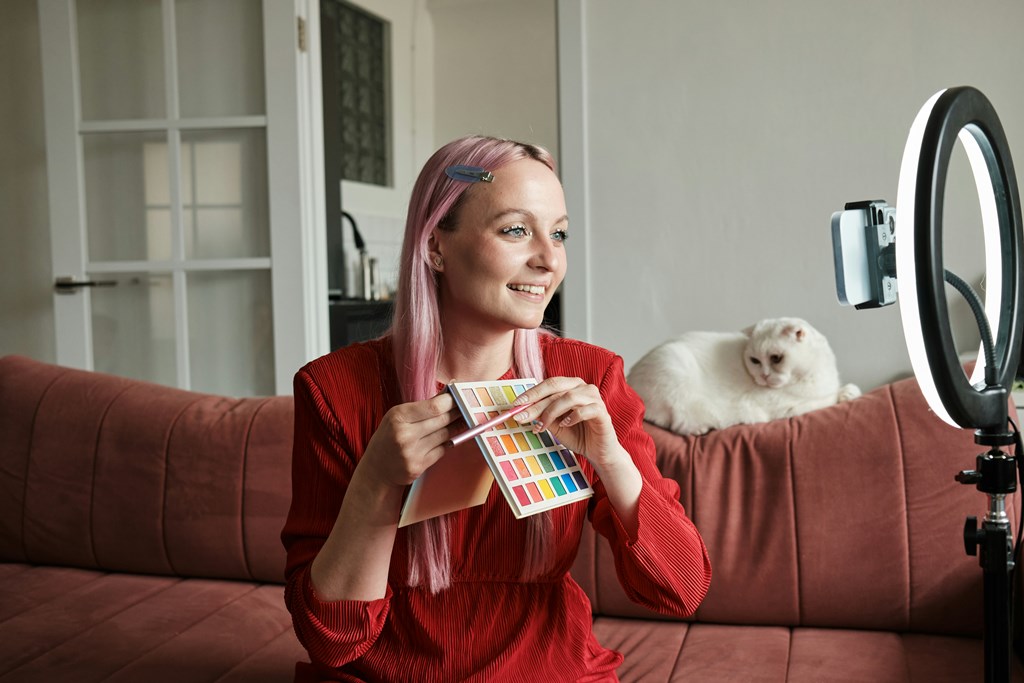
Most beginners obsess over overlays, animated alerts, and logo design. Viewers don’t care nearly as much as you think. If you’re serious about how to start streaming, understand this early: people return for the person, not the border around the camera frame.
When you’re starting streaming, it’s tempting to delay going live until everything looks perfect. That delay kills momentum. Imperfect but consistent content beats polished but rare broadcasts.
The First 30 Streams Rule
Think of your first 30 streams as structured practice. Not performance. Stream at least 2–3 times per week. This builds rhythm and gives you enough repetition to improve naturally. Streaming once every two weeks makes growth almost impossible.
Retention matters more than follower count. Twitch doesn’t push channels just because they gained 50 followers in a week. It reacts to watch time, chat interaction, and return behavior. If viewers stay 30–60 minutes and type in chat, your visibility improves. If they leave after five minutes, your channel stalls.
There’s also the Twitch return system to consider. Viewers earn loyalty bonuses for coming back to consecutive streams. Each broadcast must last at least 10 minutes, and there must be at least 30 minutes between streams for it to count toward return rewards. This encourages consistency, not random bursts of activity.
If you want to understand how to start streaming in a way that actually grows, focus on structure:
- Stream regularly.
- Improve something every session.
- Speak even when chat is quiet.
- Watch your own replays.
Graphics can enhance a stream. They can’t replace engagement.
Tip #5: Understand Monetization Early
A lot of people treat money as something to think about “later.” That’s a mistake. If you want to understand how to start streaming as a serious project, you need to know how income actually works on day one. Even if you’re just experimenting, knowing the model changes how you approach growth.
Twitch revenue usually comes from four main sources:
- Subscriptions. The baseline tier is $4.99 per month. Streamers typically receive around 50% of that unless they negotiate higher splits. Subscriptions are predictable income if you build loyalty.
- Bits. Viewers purchase Bits and donate them in chat. One Bit equals one cent for the streamer. Heavy tipping communities can generate steady support during long sessions.
- Ads. Ad revenue depends on viewer count and watch time. It rarely carries small channels alone but adds up as you scale.
- Sponsorships and affiliate deals. Brands pay based on audience size and niche alignment. Gaming hardware, energy drinks, crypto tools, education services, and even adult platforms often sponsor mid-tier creators.
A realistic example: a streamer averaging 1000 concurrent viewers can earn anywhere between $1000 and $5000 per month, depending on subscription conversion, Bits usage, ad frequency, and brand deals. That range varies widely.
When you start streaming, think about monetization structure early. Even while starting streaming, you can shape content around retention and loyalty instead of chasing random viral moments. Later in the FAQ, we’ll break down the income question more directly.
Tip #6: Avoid Beginner Mistakes That Kill Growth
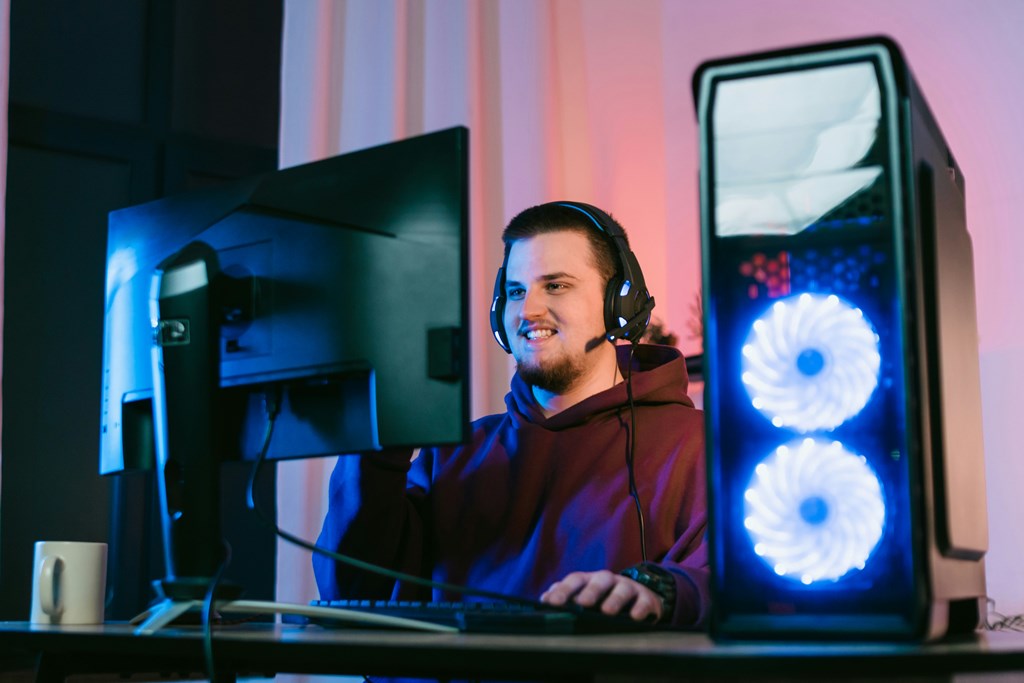
Most channels don’t fail because the creator lacks talent. They stall because of preventable mistakes. If you’re learning how to start streaming, avoid these early and you’ll save months of frustration.
- No fixed schedule. Random broadcasts train viewers to ignore your channel. People build habits around consistency, not surprise appearances.
- Ignoring chat. Live content depends on interaction. If someone types and you don’t respond, the moment dies. Even with five viewers, engagement matters.
- Bad audio. Viewers tolerate average video quality. They leave instantly if the sound crackles, echoes, or distorts. Mic positioning and gain control are not optional.
- Copying large creators. Big streamers rely on established communities. Their style often doesn’t translate to small audiences. Early growth depends on direct communication and authenticity.
- No niche clarity. Jumping between unrelated categories confuses the algorithm and your audience. Clear positioning improves retention.
- Burnout. Streaming five hours daily without structure leads to exhaustion. Sustainable rhythm beats overcommitment.
Fixing these issues is often more powerful than upgrading equipment. Growth is usually about removing friction, not adding complexity.
Tip #7: Think Beyond Twitch From Day One
Twitch can be your launchpad, but it shouldn’t be your entire strategy. Platforms change rules. Algorithms shift. Revenue splits evolve. If you want stability, think bigger from the start.
One smart move is repurposing your best moments. Short clips from live sessions perform well on TikTok and YouTube Shorts. A 20-second reaction or highlight can reach thousands of viewers who would never discover you through live browsing. Those clips act as funnels back to your main channel.
Building direct communication matters too. A simple Discord server creates community outside the stream. An email list gives you ownership of your audience. If a platform limits reach tomorrow, you still have a way to reach your viewers.
Many creators asking how to get into streaming focus only on going live. The smarter approach is ecosystem thinking. Live content, short-form clips, community space, direct contact. Together, they create brand resilience.
Long-term growth comes from treating your channel as a media project, not just a stream button. And once you start thinking that way, the idea of owning more than a profile page begins to make sense.
Scrile Stream: Build Your Own Streaming Platform
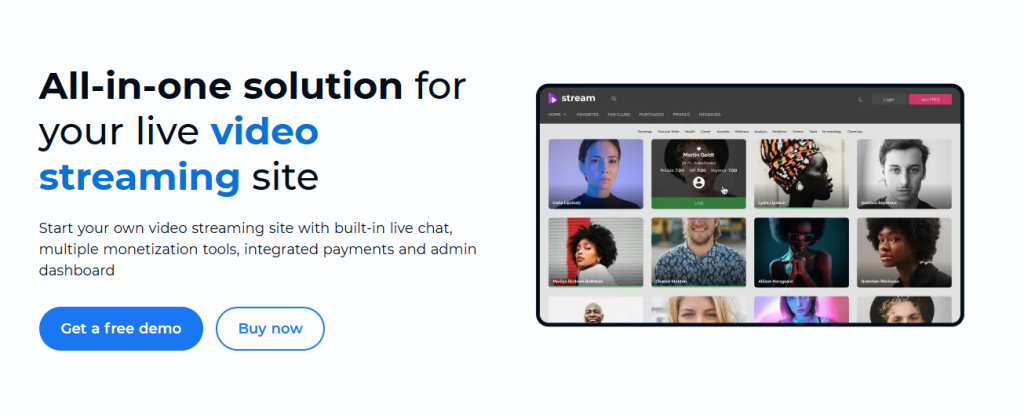
At some point, relying only on third-party platforms limits your growth. Revenue splits cap your upside. Rules change without notice. Discovery is controlled by algorithms you don’t influence. If you’re serious about how to start streaming as a long-term business, ownership becomes part of the conversation.
Scrile Stream is not a marketplace where you compete for visibility. It is a development service that builds a custom streaming platform around your brand and monetization model. Instead of adapting to someone else’s system, the system is built for you.
With Scrile Stream, you can launch:
- Public streams with chat and interactive features
- Private one-on-one sessions
- Group streaming environments
- Flexible monetization including subscriptions, tokens, and pay-per-view
- Integrated payment solutions including crypto and traditional processors
- Affiliate systems and custom commission logic
- Full brand control over design, domain, and user experience
- Direct access to your own user database
This approach allows you to earn more than a standard revenue share. You control pricing, packages, and user access rules. At the same time, you can still stream on Twitch or other platforms for exposure while directing loyal viewers to your own site.
Scrile Stream is the best solution for creating your own streaming platform and maximizing revenue when you’re ready to move beyond dependency and build infrastructure under your control.
Conclusion
Streaming looks simple from the outside. Press “Go Live,” talk, play, react. In reality, growth comes from structure. Clear positioning. Reliable setup. Clean audio. Consistent schedule. Smart monetization. Diversified traffic.
The practical path is straightforward. Choose your niche carefully. Build a stable starter setup. Configure your software properly. Focus on retention instead of flashy graphics. Understand income mechanics early. Avoid common beginner traps. Think beyond a single platform.
Streaming is not just performance. It is skill combined with discipline. Small improvements each week compound faster than dramatic upgrades every few months.
Getting started properly saves time. It prevents burnout. It reduces technical frustration. Most importantly, it creates a foundation that can scale.
If you’re ready to move from experimenting with live broadcasts to building something you control, explore Scrile Stream solutions. Owning your platform changes how you grow and how you earn.
FAQ
Can you make $1000 a month on Twitch?
Yes, but it depends on numbers and structure. A streamer averaging around 1000 concurrent viewers can realistically earn between $1000 and $5000 per month. That income usually comes from a mix of subscriptions, Bits, ads, and sponsorship deals. However, reaching that level takes time. You need consistent streaming, strong retention, and audience loyalty. Smaller channels can still earn, but the revenue will scale with engagement and conversion rate, not just follower count. Expect gradual growth, not instant income.
What should I have to start streaming?
At minimum, you need five core elements: a reliable microphone, a camera, streaming software such as OBS, a capable computer, and stable internet. For 1080p60 streaming on Twitch, your upload speed should ideally be between 10–20 Mbps. Bitrate settings often sit around 4500–6000 kbps depending on stability. Audio quality matters more than camera quality, so prioritize a clean mic setup before upgrading visuals. Basic lighting also improves perceived professionalism without major cost.
What is the 30 minute rule on Twitch?
Twitch rewards viewer loyalty through return bonuses. To qualify, each stream must last at least 10 minutes. In addition, there must be at least 30 minutes between separate broadcasts for the system to count them properly. Viewers earn additional points for attending consecutive streams, which encourages consistent scheduling. This structure reinforces the importance of regular, well-paced streaming sessions.